

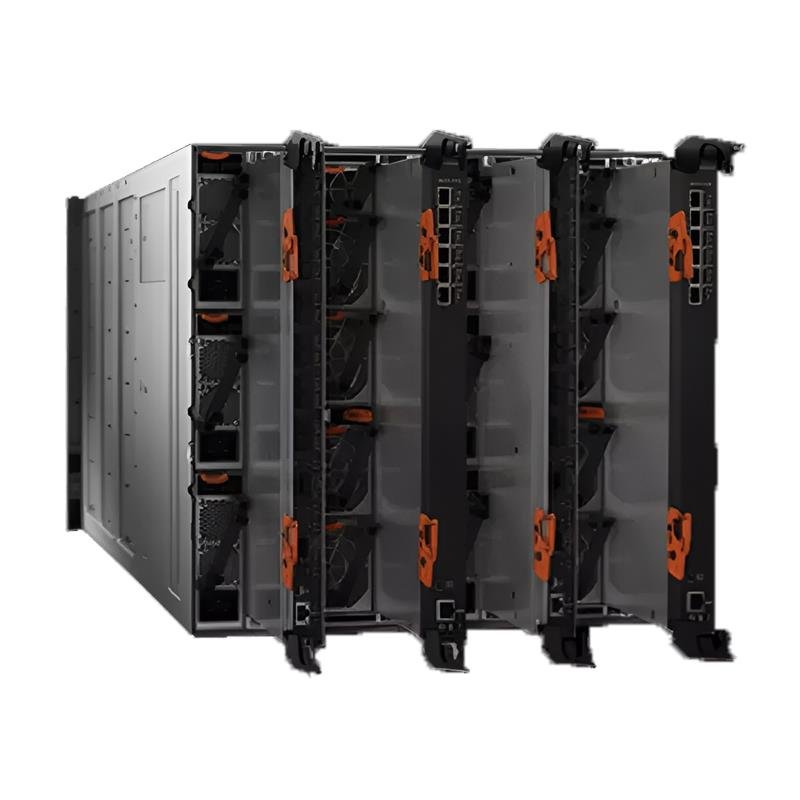
Every device you connect to your network is like a door. Your Ethernet switch is one of the biggest doors of all. It connects your computers, servers, and smart devices together. But if this door stays unprotected, anyone can enter your network and steal your data. That is why keeping your Ethernet switch safe is so important.
Many people think only big companies need network security, but that is not true. Every type of enterprise, even the smallest ones, and home offices are not immune to cyber attacks. As per a report, more than 600 million cyber attacks happen each day. Hackers can gain access and inflict damage even through weak passwords or open ports that are not used.
So, let’s take about six easy yet effective steps to secure your Ethernet Switch. You just need awareness and regular care. Let’s start building a safer network from the very beginning.
1. Change Default Passwords Immediately
Default passwords are like open keys. An Ethernet switch often comes with preset login details that anyone can find online. Changing the default password is the first and most basic protection step. Once done, write it in a safe place, not on sticky notes near your switch.
- Use a mix of numbers and letters for strength.
- Avoid using your name or company name.
- Never reuse old passwords.
Strong passwords stop unauthorized people from logging into your switch. When hackers fail to log in, they cannot change your settings or redirect your traffic. This first step makes your Ethernet switch less inviting to attackers and builds a secure base for the next steps.
2. Update Firmware Regularly
Your switch runs on software called firmware. This software controls how your switch works. The version of firmware that is not the latest one may contain errors or vulnerabilities that can be exploited by cybercriminals.
- Visit the website of the manufacturer to see new versions of firmware.
- Plan to do firmware checks at regular intervals of every few months.
- Back up your settings before updating.
- Restart your switch after installation.
Updating firmware ensures your switch stays protected against new threats. Once your firmware is secure, it prepares your system for advanced protection steps like traffic control and monitoring.
3. Disable Unused Ports
Each open port is like an unlocked window in your network. If you are not using a port, close it. Identify all active ports on your switch.
- Turn off ports that are not in use.
- Label and organize active connections.
Once you close the unused ports, you have fewer paths to watch. This makes it easier to monitor traffic and notice strange activities faster.
4. Utilize Access Control Lists (ACLs)
Access Control Lists are your digital guards. They decide who can use your network and what they can do. With ACLs, you can allow or block specific users based on IP or device type. Using ACLs adds a strong layer of security.
- Create rules that match your network needs.
- Allow only known devices and trusted users.
- Deny all unknown or suspicious access requests.
- Update your ACL rules regularly.
Once you limit who can enter your network, the next step is to protect what they see. That is where encryption comes in. It keeps your data unreadable to anyone outside your trusted circle.
5. Enable Data Encryption
Encryption is the process of converting your data into an unreadable form. So, even if a thief gets hold of the data, he/she cannot make any use of it. Also, most of the present-day Ethernet switches have the ability to provide encryption options such as SSL or SSH.
- Always use encrypted connections for management.
- Disable plain text protocols such as Telnet.
- Use Secure Shell (SSH) for switch access.
- Keep encryption keys private and updated.
Encryption makes your communication safer and more private. It is one of the strongest shields against modern network attacks.
With encryption in place, your data is safe in motion. Now you need to make sure your switch stays protected all the time, even when no one is watching.
6. Regularly Back Up and Audit Your Settings
No matter how strong your security is, things can still go wrong. Backups and audits are your recovery tools. They help you restore settings if something fails or gets attacked.
- Save switch settings to an external drive or cloud.
- Set up a plan for every month to carry out audits for the assessment of your configuration.
- Reassess weak passwords and open ports.
- Maintain a log of alterations done by each administrator.
Auditing is beneficial to your switch. It reveals the good and bad areas in need of improvement. Besides, the backup ensures you are equipped for the unforeseen, thereby eliminating downtime of your network.
Conclusion
Ethernet switch security does not require advanced skills or a lot of money. What it requires is attention and some good habits.
You can begin with minor changes, such as changing passwords and deactivating unused ports. Then proceed to more sophisticated measures such as ACLs and encryption. Check your network every day and always have a backup ready. All these measures act together like a shield, keeping your network safe from all sides.
A secure Ethernet switch translates into secure data and a stress-free mind. Regardless of whether you have a home office or a flourishing business, your network needs to be protected. Implement these six simple steps now and secure a safer future for your connections.
