
Working remotely isn’t temporary. For many companies, that’s the norm. But there is one big problem with managing remote teams. Without a clear understanding of day-to-day work, productivity becomes guesswork.
Then comes the live screen monitoring software.
In this 2026 guide,
- What is Live Screen Monitoring Software?
- Key features to look for
- Benefits and risks
- Best tool for remote teams.
What Is Live Screen Monitoring Software?
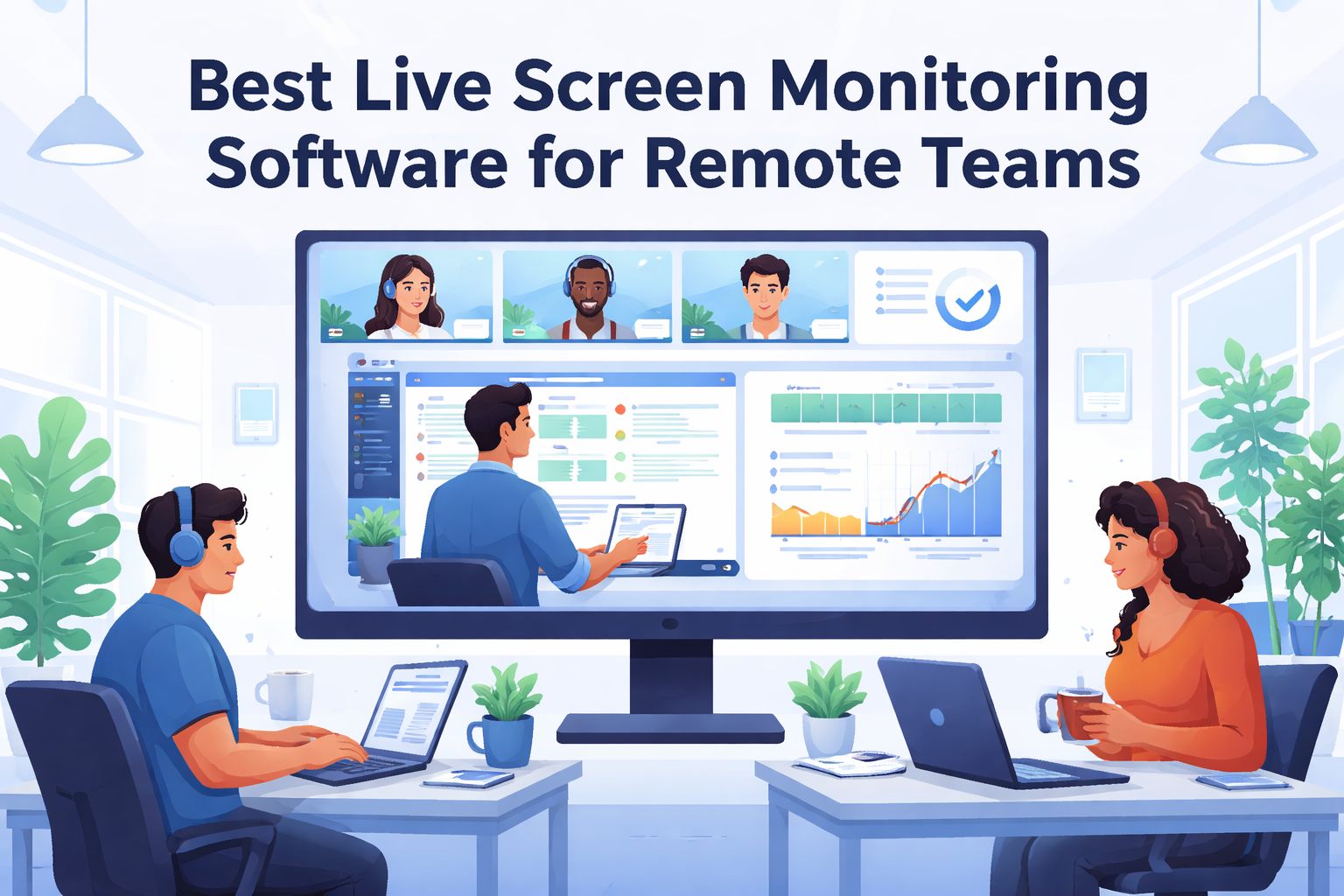
Live screen monitoring software allows managers to view employee screens in real-time. That usually includes
- Live screen viewing
- Automatic time tracking.
- Screenshot
- Activity Tracking
- Productivity reports
It’s commonly used by remote teams, agencies, IT companies, and distributed startups to maintain transparency and accountability.
Why Remote Teams Need Live Screen Monitoring
Remote teams often struggle.
- Lack of real-time visibility
- Manual or inaccurate time tracking.
- Missed deadlines
- Poor distribution of workload
- Over-reliance on status meetings
Live monitoring tools solve this by providing data-driven insights instead of assumptions.
When implemented properly, they
- Reduce micromanagement
- Increase the target
- Identify obstacles early
- Help the manager make informed decisions.
Key Features to Look for in 2026
Not all monitoring tools are created equal. What is the most important thing here?
1. Real-Time Screen View
Admins should be able to see live screens instantly without complicated settings.
2. Automatic Time Tracking
No manual scheduling. The system shall automatically record the working hours.
3. Screenshot Capture
Periodic screenshots provide accountability without constant surveillance.
4. Activity Monitoring.
Track active, idle, and app usage for better productivity analysis.
5. Integration of projects and tasks
The best tools combine monitoring with project management so that work and time are linked.
6. Privacy control.
Look for tools that allow:
- The screen is blurry.
- Only monitor working hours.
- Transparency Policy
Best Live Screen Monitoring Software for Remote Teams (2026)
Prime Teams
Prime Time combines project management and time tracking with live video monitoring in one platform.
Key strengths:
- Live screen view
- Automatic time tracking.
- Screenshot
- Attendance Management
- Built-in kanban project framework.
- Productivity Report
This is especially useful for enterprises and SMBs that want to monitor and control projects in one dashboard instead of multiple tools.
Best for: Remote teams, agencies, hybrid companies.
Time Doctor
It is a popular monitoring tool with a strong focus on time tracking and screenshots.
Best for teams that need detailed time reports.
Hubstaff
Time tracking and GPS tracking. Provides activity monitoring.
Best for: Field teams and remote staff tracking.
Teramind
More advanced monitoring with deeper behavioral analysis
The best Enterprises need higher supervision.
How to Implement Monitoring Without Damaging Trust
If handled properly, it can be monitored.
Here’s how to fix it.
- Transparency to employees
- Use to improve productivity, no penalties.
- Only monitor working hours.
- Share reports clearly
- Pay attention to trends. It’s not just a screenshots.
When used responsibly, monitoring tools increase clarity, not stress.
Benefits of Using Live Screen Monitoring Software
- Increased responsibility
- Accurate time tracking
- Good project planning
- Reduce time theft
- Data-driven performance reviews.
- Resolve issues quickly
For the departments, It also improves customer invoice accuracy.
Final Thoughts
For many remote startups, live screen monitoring software is not an option. The right tools give you visibility without constant meetings or follow-ups.
If you want a platform that combines live screen monitoring, time tracking, and project management in one system, PrimeTeams is a strong option for 2026.
The goal is not surveillance.
It’s clear and responsibility་. And the quality of teamwork is good.
For more interesting blog, you can visit – https://atechvibe.com/
