

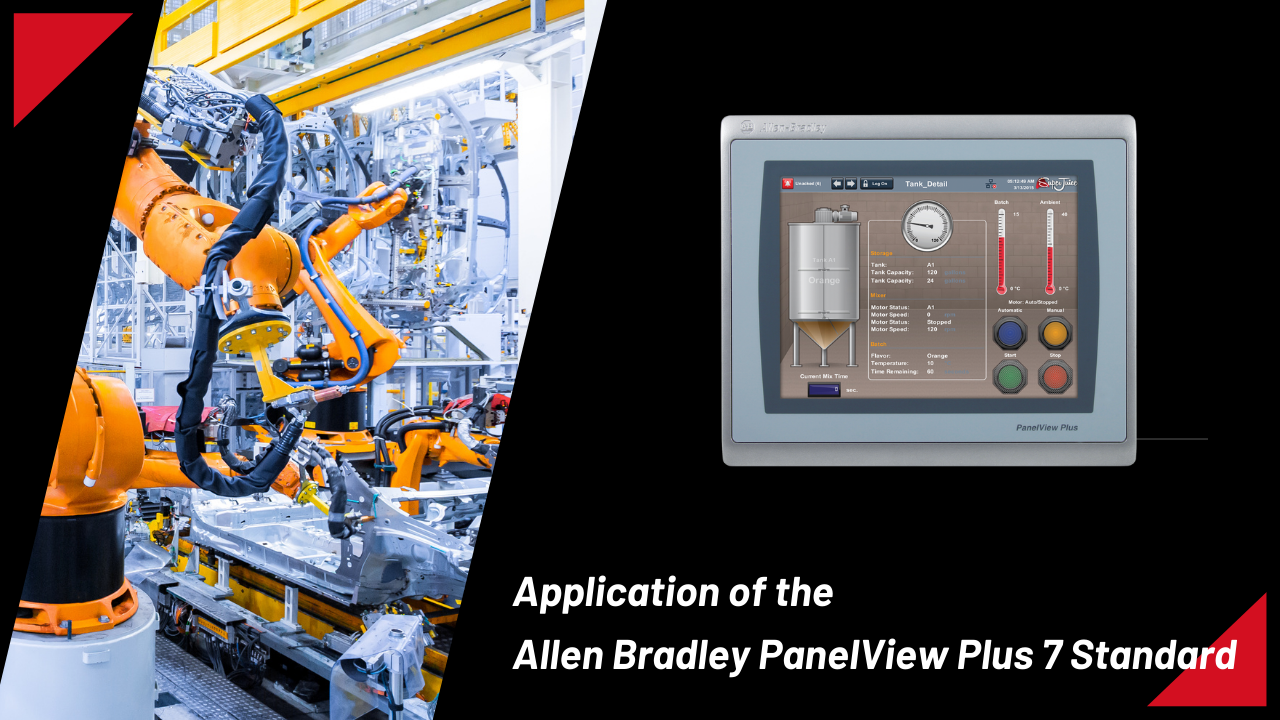
Rockwell Automation is the developer of the Allen Bradley PanelView Plus 7 Standard line of industrial human-machine interface (HMI) devices. In a variety of industrial applications, these devices are used to visualize, monitor, and control machines and processes. The PanelView Plus 7 Standard has the following main uses and advantages:
Machine Control:
In manufacturing operations, Allen Bradley PanelView Plus 7 Standard is frequently used to monitor and operate a variety of equipment.
It gives users a graphical user interface via which they may communicate with the equipment, initiating and stopping operations, modifying settings, and troubleshooting problems.
- Start/Stop Functionality: From the touchscreen interface of the PanelView Plus 7 Standard, operators may start and stop machine operations. This function eliminates the need for physical switches or controls, enabling convenient control over the machinery.
- Parameter Adjustment: Operators may modify the machine’s speed, temperature, pressure, and other variables according to changes in the process or demands for output thanks to the HMI.
- Mode Selection: Machines frequently have a variety of modes, such as manual, automatic, or semi-automatic, depending on the requirements of the job.
- With the PanelView Plus 7 Standard, operators may swiftly adjust to shifting production demands by smoothly switching between various modes.
- Recipe Management: The HMI can store and retrieve recipe data in industries where products need to have certain formulas or recipes.
- Using the PanelView Plus 7 Standard’s interface, operators may choose the required recipe, guaranteeing constant product quality and cutting down on setup time between production runs.
Process Monitoring:
Real-time monitoring and visualization of different process statuses may be achieved with the PanelView Plus 7 Standard in sectors including food and beverage, oil and gas, and chemical processing. Critical data, like temperatures, pressures, flow rates, and levels, may be viewed by operators, who can then respond appropriately as necessary.
- Real-time Data Visualization: Operators may view important process variables including temperature, pressure, flow rate, level, and other factors graphically with the PanelView Plus 7 Standard.
- Through user-friendly graphical displays, operators can keep an eye on these variables in real-time and rapidly spot any deviations from the intended operating conditions.
- Trend Analysis: With the use of trend charts and historical data logs, the HMI enables operators to monitor process variables over time.
- Operators may maximize process performance and efficiency by identifying patterns, spotting anomalies, and making well-informed choices by examining trends.
- Alarm Management: Alarms and alerts may be set up in PanelView Plus 7 Standard to be generated in response to predetermined thresholds or abnormal circumstances inside the workflow.
- When an alarm goes off, operators are alerted right away, giving them the chance to take remedial action and avoid downtime, poor product quality, or other safety risks.
Data Visualization:
The HMI’s touchscreen interface allows data trends, historical logs, and other information to be shown in an intuitive manner. This makes it easier for supervisors and operators to use current and past data to make well-informed choices.
- Graphical Representation: A range of graphical components, including gauges, charts, graphs, and animations, are available in the PanelView Plus 7 Standard to graphically display process data.
- Through intuitive representations, operators may quickly and easily analyze complicated data sets, which facilitates the identification of trends.
- Trend Charts: Operators can examine trends over time by plotting historical data on trend charts with the HMI.
- Trend charts offer significant insights into the behavior of processes, enabling operators to identify patterns, seasonal fluctuations, and long-term trends that might impact output.
- Real-time Dashboards: PanelView Plus 7 Standard gives operators immediate access to vital process information by displaying real-time data on dashboards that they may customize. Key performance indicators (KPIs), production metrics, equipment condition, and other pertinent data may be shown in a clear and understandable style on dashboards.
Check:- Rockwell Automation 2711P-T4W21D8S
Alarm Management:
It is possible to set PanelView Plus 7 Standard to track system warnings and alarms.
When an unexpected condition arises, operators are alerted right away, giving them the opportunity to take corrective action and avoid equipment damage or downtime.
Remote Monitoring and Control:
The PanelView Plus 7 Standard has the ability to monitor and control industrial processes remotely through the integration of networking capabilities. This makes troubleshooting and maintenance tasks easier by enabling engineers and operators to use the HMI interface from a distance.
Integration with PLC Systems:
A common combination for the PanelView Plus 7 Standard is with Allen Bradley or other manufacturers’ programmable logic controllers (PLCs).
It acts as an interface between human operators and PLCs, facilitating smooth communication and enabling control and monitoring of automated operations.
Custom Applications:
The PanelView Plus 7 Standard’s adaptability enables the creation of unique solutions suited to certain industrial requirements. The HMI may be tailored to fulfill a variety of needs, whether it’s for a particular monitoring system or a bespoke process control interface.
All things considered, the Allen Bradley PanelView Plus 7 Standard is essential for improving productivity, safety, and efficiency in industrial automation settings across a range of industries.
