

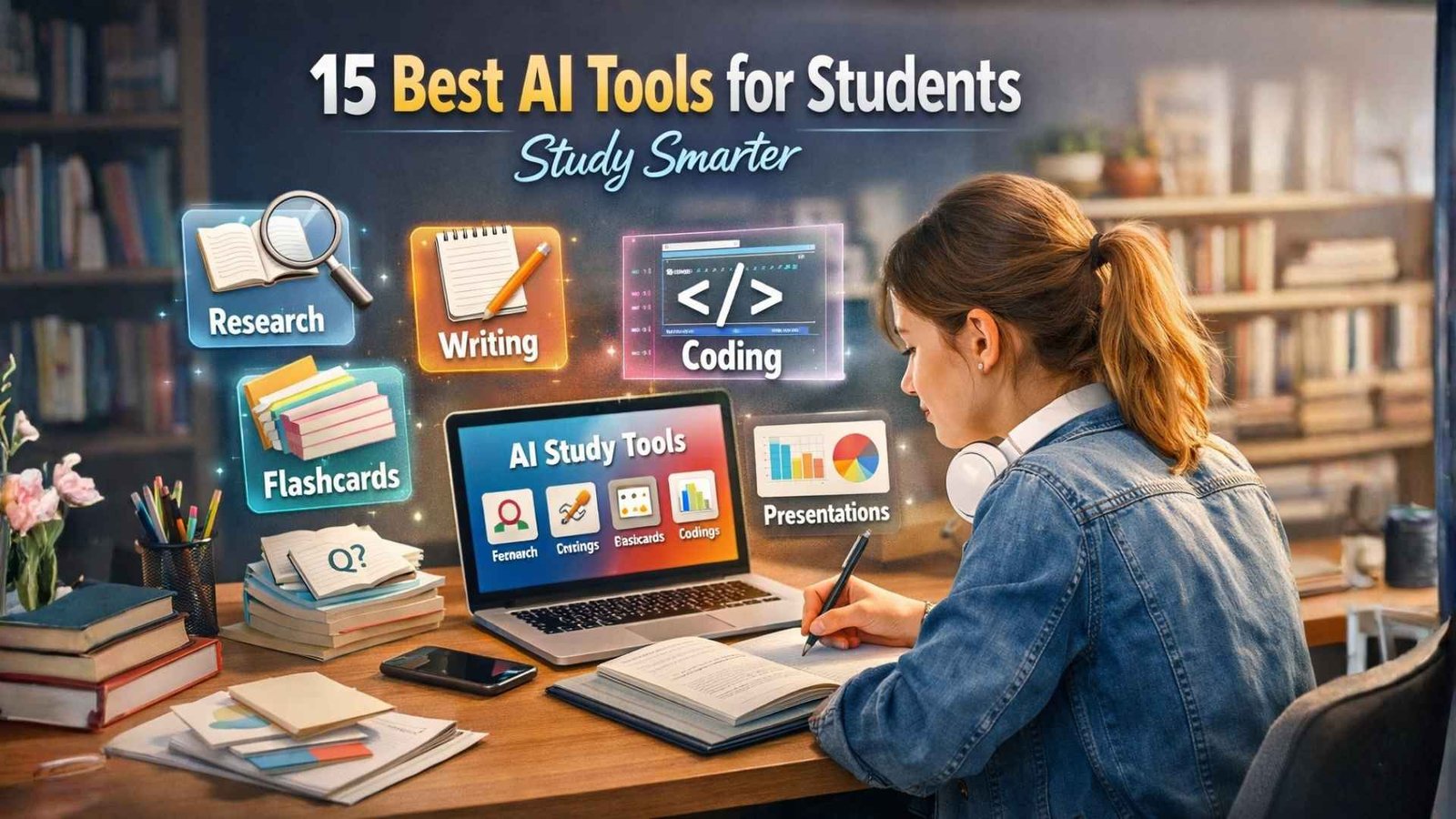
AI tools can make studying simpler. They help you understand topics, organize materials, and practice in a focused way. This guide follows a proven, student-friendly flow: what AI does in education → the main tool types → the best tools → how to choose → how to use them well.
How AI supports learning
AI can support learning in three practical ways:
- Personal pace: You can review a topic until it clicks, without feeling rushed.
- Targeted help: You can focus on weak areas instead of re-reading everything.
- Better engagement: interactive help (questions, examples, quizzes) keeps your attention.
A good study still depends on your effort and your thinking. AI works best as support, not as a replacement for learning.
What AI tools can do for students?
Here are the real tasks students use AI for most:
- Explain concepts in simple language with examples
- Summarise readings into key points and definitions
- Improve writing (clarity, structure, grammar, tone)
- Turn notes into revision (flashcards, quizzes, practice questions)
- Support STEM work (math steps, checks, coding help)
- Prepare presentations (slides, visuals, diagrams)
That is why choosing tools by task is smarter than choosing by brand.
Types of AI tools for study
Different tools solve different study problems. Pick the types that match your workload.
AI tutors and study assistants
These help you learn with explanations, examples, and guided practice.
Language learning tools
Useful for writing fluency, speaking practice, and pronunciation feedback.
Writing and editing tools
They help you write clearly and correctly, with a consistent academic tone.
Research and reading tools
They help you scan sources, extract key ideas, and keep your research organised.
Notes and lecture tools
They turn lectures into searchable notes and quick summaries.
Practice and memory tools
They build active recall with flashcards and quizzes.
Design and presentation tools
They help you create slides, posters, and visuals that look clean and professional.
Coding and STEM tools
They help with code suggestions, debugging, and problem-solving support.
The 15 best AI tools for students
Below is a practical list that covers the main study needs. Each entry tells you what it is best for and how students use it.
NaSSEOTools
Best for: quick study utilities in one hub
When your work includes formatting, conversions, small writing clean-ups, and web-ready outputs, NaSSEOTools gives you a wide set of tools (text utilities, calculators, unit converters, dev tools like JSON utilities, and more) from one place.
ChatGPT
Best for: explanations, outlines, practice questions
Use it to break down complex topics, create a study plan, and generate revision questions from your notes.
Claude
Best for: long reading support and clean summaries
Helpful for turning long content into structured notes you can revise quickly.
Google Gemini
Best for: general study help in a Google workflow
Good for students who already work inside Google apps for class.
Google NotebookLM
Best for: studying from your own sources
Strong when you want summaries and study material built from your PDFs, notes, and links.
Perplexity
Best for: research with source links
Useful when you need fast answers with references you can check and cite.
Notion AI
Best for: organising notes, tasks, and projects
Ideal if you want one workspace for classes, deadlines, and study notes.
Grammarly
Best for: writing clarity and correctness
Great for polishing essays, reports, emails, and scholarship applications.
QuillBot
Best for: rewriting for clarity and flow
Useful when your sentences feel heavy, and you want simpler phrasing.
Otter AI
Best for: lecture transcription and searchable notes
Helpful for converting spoken lectures into text, you can review them later.
Quizlet
Best for: flashcards and quick review
Best for short daily practice and memorising key terms.
Khanmigo
Best for: guided tutoring support
Good for structured learning and step-by-step help in core subjects.
Wolfram Alpha
Best for: math and science checks
Useful for verifying answers and exploring equations and concepts.
Photomath
Best for: understanding solution steps
Helpful for learning the method, then re-solving the problem on your own.
Canva
Best for: presentations, posters, and visual study assets
Good for turning notes into clean slides, diagrams, and study graphics.
Choosing the right AI tool
That is where most students make the difference. A tool is only “best” if it fits your work.
Fit your daily tasks.
Choose based on what you do most:
- Reading heavy → research + summarising tools
- Writing heavy → writing + editing tools
- Exam heavy → flashcards + quizzes
- STEM heavy → math + coding support
Compatibility and workflow
Ask simple questions:
- Does it work on your phone and laptop?
- Does it support PDFs, docs, or links you use in class?
- Can you export notes in a clean format?
Reliability and learning value
A good tool should:
- explain why, not just give an answer
- help you practise, not only produce text
- make your work clearer and more organised
Understand the limits
AI can sound confident and still be wrong. Treat important facts like you treat a quick internet search: verify them before you submit.
Conclusion
AI tools work best when they support real study habits. Keep your setup simple: choose one tool to understand, one to organise, and one to practise. Then follow the same routine every week—learn the topic, convert it into clean notes, and test yourself until recall feels easy. That’s how you improve grades without adding extra stress.
If you’re a student creating blogs, reports, or marketing projects, strong research keywords can sharpen your topic and improve your structure. A quick reference for free SEO keyword tools can help you pick better terms and plan content faster.
Final tip: always keep your work original. Use AI for clarity, planning, and practice—but make sure your ideas, examples, and final wording sound like you.
