

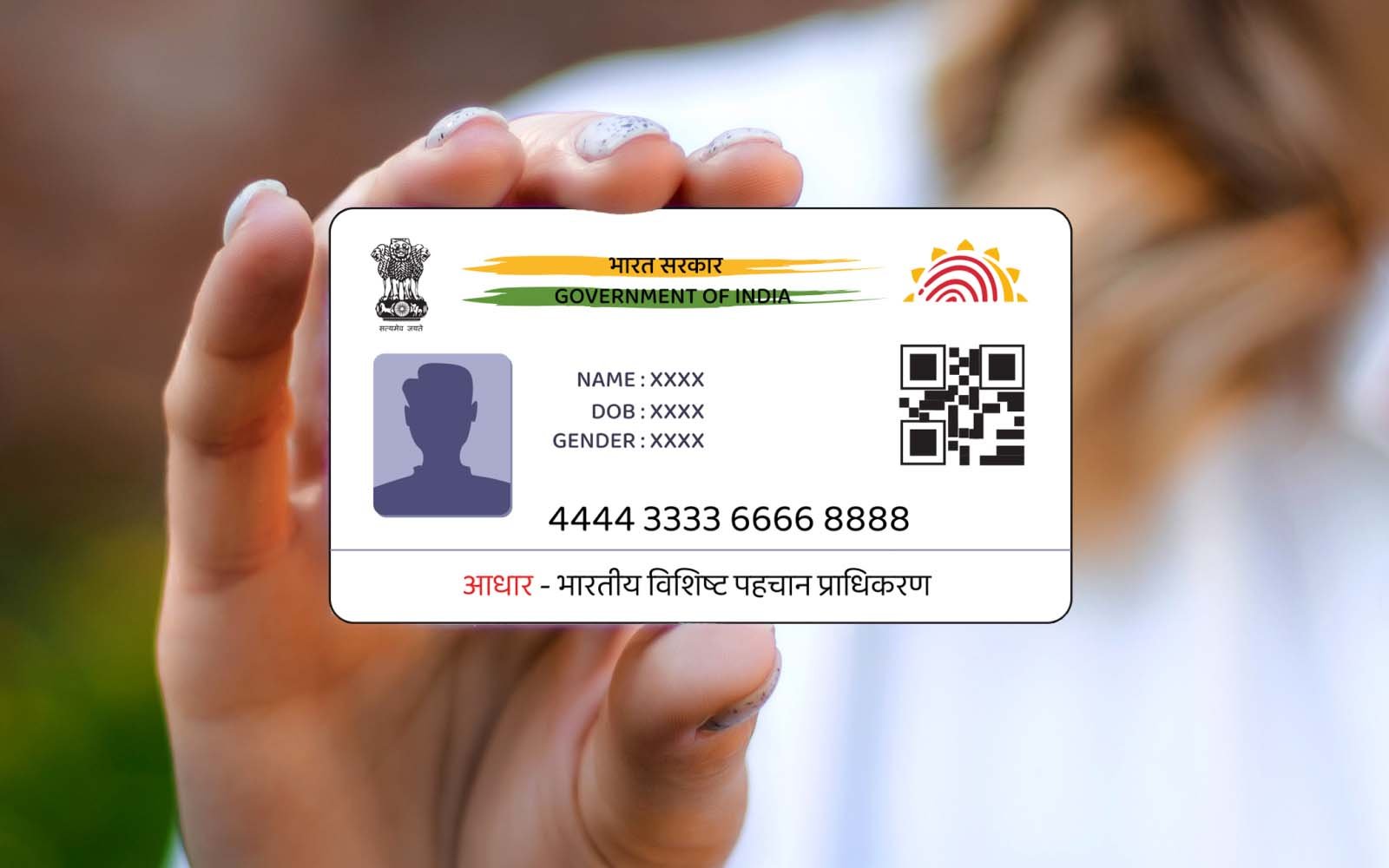
In today’s digital age, Aadhaar has become one of the most essential documents for every Indian citizen, serving as identity proof for various government and private services. However, there can be times when you might need to update the details on your Aadhaar card, such as your name. This can happen due to marriage, legal name changes, or spelling errors. Fortunately, the UIDAI (Unique Identification Authority of India) has simplified the process for Aadhaar card name changes through the SSUP (Self Service Update Portal).
If you’re looking for a hassle-free way to make changes to your Aadhaar card in 2026, this guide will walk you through how to change your name online via the SSUP UIDAI portal.
What is the SSUP UIDAI Portal?
Before diving into the name change process, it’s important to understand what the SSUP portal is. The SSUP stands for Self Service Update Portal, managed by UIDAI. It allows Aadhaar cardholders to update their personal details online conveniently without the need to visit Aadhaar Seva Kendras. With the help of the SSUP UIDAI portal, users can correct errors or updates in their Aadhaar information, including name, address, date of birth, and gender, making aadhar card name change online simple and accessible.
Changing or updating your Aadhaar card name through the SSUP UIDAI portal can be done entirely online, saving you time and effort.
Who Can Use the Online Aadhaar Name Change Service?
The online Aadhaar card name change service is available to individuals who meet certain conditions. Some of the scenarios where you may need to update your name include:
Spelling Errors:
If your name is misspelled on your Aadhaar card.
Post-Marriage Name Change:
After marriage, many women change their surname, requiring an Aadhaar update.
Official Name Change:
If you have legally changed your name or corrected your spelling.
Updating Minor Differences:
For instance, updating initials or correcting order in names.
You should keep in mind that there is a limit to the number of name change updates you can request in an Aadhaar card, typically two corrections or updates are allowed.
Document Requirements for Aadhaar Card Name Change Online
Before initiating the Aadhaar card name change process online, you need to ensure that you have the supporting documents for the change request. UIDAI has specified a list of documents that are acceptable as proof of identity. Make sure you have at least one of the following:
1. Passport
2. PAN Card
3. Voter ID Card
4. Driving License
5. Bank Passbook with a photograph
6. Marriage Certificate (for post-marriage name change)
7. Birth Certificate (if applicable)
8. Gazette Notification (in case of a legal name change)
Ensure that the document you upload has the correct spelling of your name as you want it to appear on your Aadhaar card.
Steps to Change Name in Aadhaar Card Online via SSUP UIDAI Portal
Follow these steps to update your name on your Aadhaar card online using the SSUP UIDAI portal in 2026:
Step 1: Visit the SSUP UIDAI Portal
1. Open your preferred browser and head to the official website for UIDAI at https://ssup.uidai.gov.in.
2. Log in using your Aadhaar number and the OTP sent to your registered mobile number.
Step 2: Select ‘Update Aadhaar Online’ Option
Once logged in, look for the option labeled “Update Aadhaar Online” or “Update Your Demographic Details”. Click on it to access the section for making changes to your Aadhaar details.
Step 3: Initiate the Name Change Request
1. From the list of options, select “Name” to request a name update in your Aadhaar card.
2. Enter the new name exactly as you want it to appear on your Aadhaar card.
3. Upload the necessary proof of identity document that justifies the name change request. Ensure the document is clear and legible for smooth processing.
Step 4: Review and Submit the Request
1. Carefully review the details entered and make sure there are no errors.
2. Once confirmed, submit the request for processing.
Step 5: Pay the Update Fee
As per UIDAI guidelines, an update fee is applicable for any correction or update to your Aadhaar card. Pay the fee online through available payment options like debit/credit cards, UPI, or net banking.
Step 6: Confirmation and URN Generation
After successful submission, you will receive an Update Request Number (URN). Keep this number safe as it will be required to track the status of your Aadhaar name change request.
Step 7: Monitor the Status of Your Request
To check the status of your request, you can log in to the SSUP UIDAI portal using your Aadhaar number and URN. If your documents are validated and all details are correct, the name update will be processed within 3-7 working days.
Important Tips for Aadhaar Name Change Online
Ensure that your mobile number is linked to your Aadhaar:
The name change process requires an OTP verification.
Adhere to ID Proof Requirements:
Any discrepancy in the uploaded document may lead to rejection. Double-check the document before submission.
Track Application Status Frequently:
Keep an eye on your request status through the SSUP portal to resolve any issues promptly.
Avoid Overspending on Third-Party Services:
The SSUP UIDAI portal is a self-service platform that eliminates the need for third-party help or agents. Follow the guidelines, and you can easily update your details online.
Alternatives to Online Update
While the SSUP portal is convenient, you can also update your name at an Aadhaar Seva Kendra or Authorized Aadhaar Enrollment Center if you prefer an offline method or cannot access the online service. Ensure you carry original copies of your supporting documents and visit during working hours.
Conclusion
The SSUP UIDAI portal has revolutionized the name change process for Aadhaar cards, offering a seamless and efficient online solution. By following the step-by-step guide provided in this article, you can easily update your name on your Aadhaar card from the comfort of your home. Whether it’s due to a marriage, a legal name change, or simply correcting an error, the process is straightforward and user-friendly.
Remember, your Aadhaar card is a vital document for availing of various services. Keeping it updated is not only a matter of convenience but also a step toward ensuring hassle-free access to government and private sector benefits. Stay updated, stay secure, and make the most of this digital provision under UIDAI.
