Learning how to choose a smart watch can save you money and a lot of frustration. Smart watches in 2026 do far more than tell time. They track your health, handle notifications, guide workouts, make payments and even run AI assistants on your wrist. But with so many brands, sizes and price points, picking the right one is not always easy.
The best smartwatch is not always the most expensive one. It is the one that fits your phone, your lifestyle and your budget. At AtechVibe, we test and explain everyday tech in simple terms, and this guide walks you through every factor that matters before you buy.
Why Buy a Smartwatch in 2026?
Smartwatches have become one of the most useful gadgets you can own. They keep you connected without constantly reaching for your phone. A quick glance shows messages, calls and reminders.
They also encourage healthier habits. Step counts, heart rate trends, sleep tracking and activity reminders help many people move more and rest better. Add contactless payments, maps, music control and voice assistants, and a smartwatch becomes a small but powerful daily companion.
Like phones, smartwatches are also getting smarter with built-in AI features. We explain this wider trend in how AI smartphones are changing mobile device use every day.
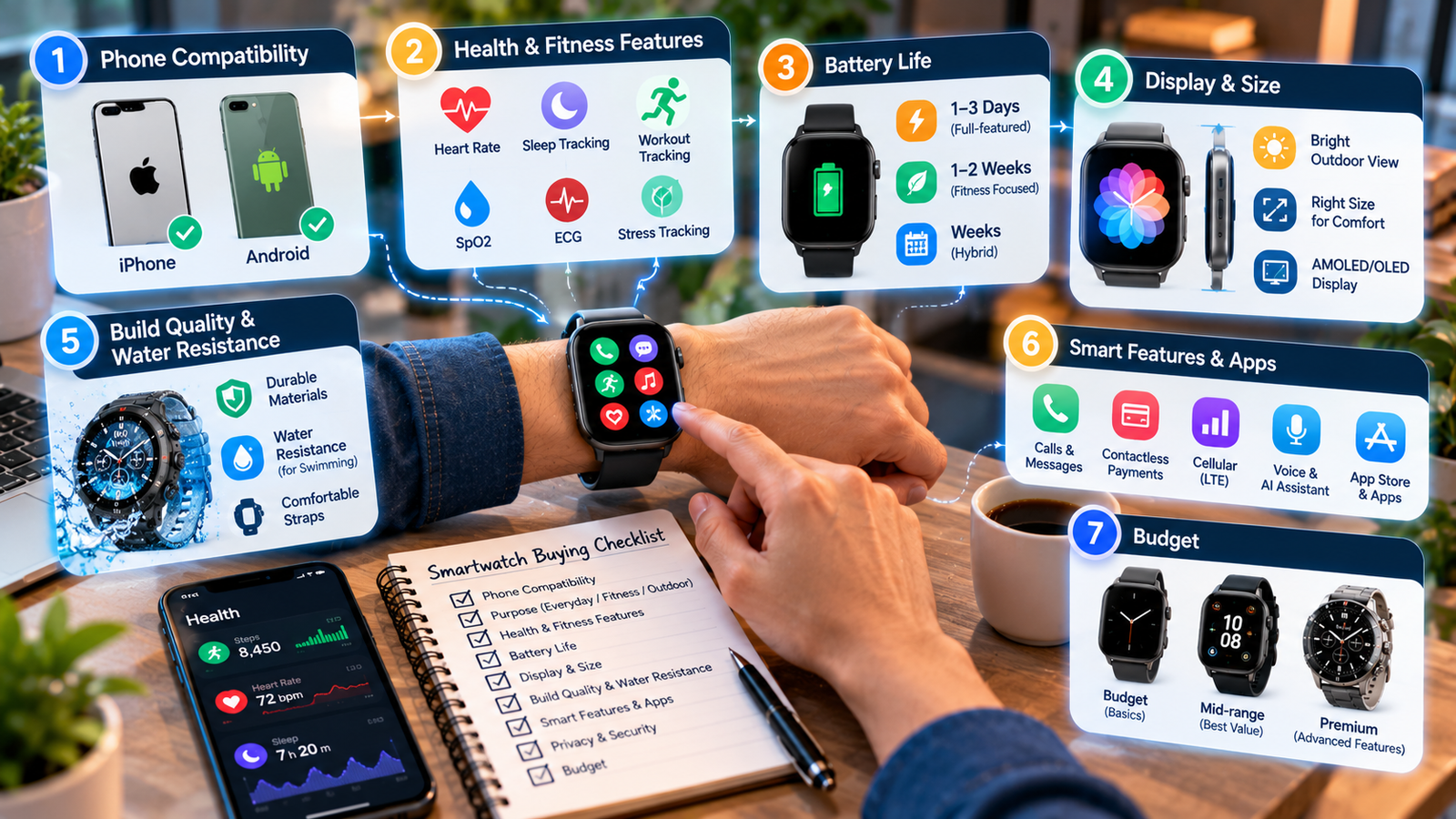
Step 1: Check Compatibility With Your Phone
This is the most important step, and many buyers forget it.
iPhone users get the fullest experience with an Apple Watch. Some other smartwatches work with iPhone, but features such as replying to messages may be limited.
Android users have more choice. Watches running Wear OS work best with Android phones, and some brands offer extra features when paired with their own phones.
Brand-specific watches from fitness companies often work with both platforms through their own apps, but feature depth can vary.
Before buying, check the product page for full compatibility details with your exact phone. If you are considering a new phone as well, our look at what to know before upgrading your iPhone in 2026 may help.
Step 2: Decide What You Need It For
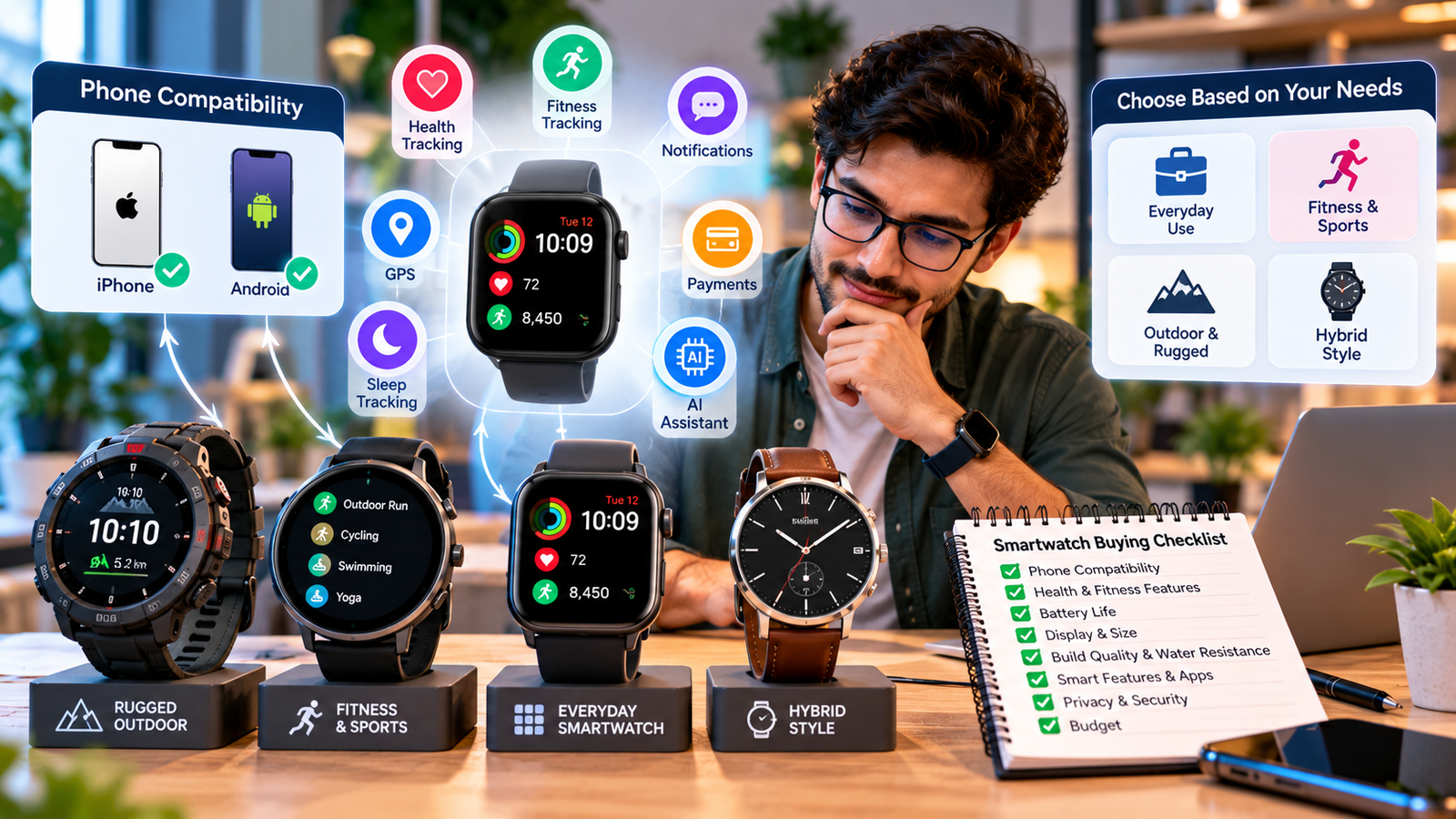
Smartwatches fall into a few broad groups. Knowing your main purpose makes the choice much easier.
Everyday smartwatches focus on notifications, apps, payments and general health tracking. They suit most people.
Fitness and sports watches offer advanced workout tracking, accurate GPS, training insights and longer battery life. They are ideal for runners, cyclists and hikers.
Hybrid watches look like traditional analog watches but include basic smart features such as step tracking and notification alerts. They often last weeks on a charge.
Rugged outdoor watches are built for tough conditions, with stronger cases, better water resistance and navigation tools.
Write down the three features you will use most. Ignore the rest when comparing models.
Step 3: Compare Health and Fitness Features
Most smartwatches now include a common set of health sensors. These usually cover heart rate tracking, sleep tracking, step counting, workout detection and blood oxygen readings.
Higher-end models may add features such as ECG readings, skin temperature trends, stress tracking and fall detection. Some can alert you to unusual heart rate patterns.
Keep in mind that most smartwatch health features are designed for general wellness, not medical diagnosis. Only features that carry official medical approval in your country should be treated as health tools, and even then, a doctor’s advice comes first.
If fitness is your main goal, look closely at GPS accuracy, the number of supported sports, and how clearly the app explains your data.
Step 4: Think About Battery Life
Battery life varies more than any other feature.
Full-featured smartwatches with bright screens and many apps often need charging every one to three days. Fitness-focused watches may last one to two weeks. Hybrid watches can run for weeks.
Ask yourself how often you are willing to charge. If you want sleep tracking, you will need a watch that lasts through the night and still has power the next day. Features like always-on display and constant GPS use more battery, so check real-world battery estimates rather than only the maximum figure.
Many battery-saving habits for phones apply to watches too. If you travel often, our car mobile charger buying guide explains how to choose safe chargers for your devices on the road.
Step 5: Choose the Right Display and Size
Most modern smartwatches use OLED or AMOLED screens, which offer bright colours and deep blacks. Some fitness watches use special low-power displays that are easier to read in sunlight and help save battery.
Size matters for comfort. Larger screens are easier to read and type on but may feel bulky on smaller wrists. Many models come in two sizes, so try them on in a store if possible.
Also check how bright the screen gets outdoors and whether it has an always-on option.
Step 6: Look at Build Quality and Water Resistance
A smartwatch is worn all day, so durability matters. Check the case material, such as aluminium, stainless steel or titanium, and the type of glass protecting the screen.
Water resistance is especially important. Most smartwatches can handle rain and hand washing. If you swim, choose a watch rated for swimming. Divers and outdoor adventurers should look for higher ratings and rugged designs.
Comfort also depends on the strap. Silicone straps suit workouts, while leather, metal and fabric straps look better for work and formal wear. Check whether straps are easy to swap.
Step 7: Check Smart Features and Apps
Beyond health, think about everyday convenience.
Payments. Contactless payments let you pay with a tap of your wrist. Check whether your bank supports the watch’s payment system.
Calls and messages. Some watches let you answer calls and reply to messages directly, while others only show alerts.
Cellular (LTE) models. These let you make calls and stream music without your phone nearby. They cost more and usually require a separate mobile plan.
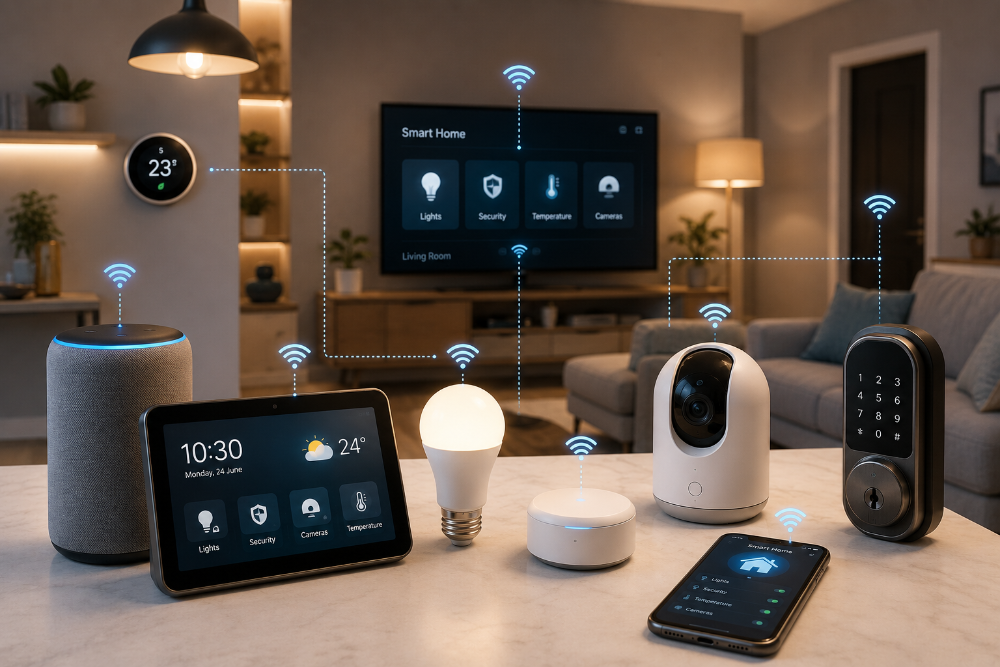
Voice and AI assistants. Many watches now support voice commands for setting reminders, sending messages or controlling smart home devices. If you already have connected devices at home, see our guide to choosing the best smart home gadgets.
App store. A strong app selection lets you add music, maps, fitness and productivity tools.
Step 8: Consider Privacy and Security
Smartwatches collect sensitive data about your health, location and daily routine. Treat this data carefully.
Use a screen lock or PIN on your watch, especially if it supports payments. Review the app’s privacy settings and decide what data you are comfortable sharing. Keep the watch and its companion app updated to receive security fixes.
Protect the phone account linked to your watch with two-step login. We explain why this matters in why every business should use multi-factor authentication, and the same advice applies to personal accounts.
Step 9: Set a Realistic Budget
Smartwatches are available at almost every price level.
Budget models cover the basics: notifications, step counting, heart rate and sleep tracking. They are great for first-time users.
Mid-range models add better screens, GPS, more sensors, payments and stronger app support. They offer the best value for most people.
Premium models include advanced health sensors, premium materials, cellular options and the latest AI features.
Decide your budget before shopping, and remember to include costs such as extra straps, screen protectors or a cellular plan. Last year’s flagship model at a discount is often a smart buy.
Common Mistakes to Avoid
Buying a watch that does not fully support your phone.
Paying extra for features you will never use.
Ignoring battery life when you want sleep tracking.
Choosing a size that feels uncomfortable all day.
Treating wellness readings as medical diagnoses.
Skipping software updates and security settings.
Final Thoughts
Knowing how to choose a smartwatch comes down to a few simple questions: Does it work with your phone? What will you use it for most? How long should the battery last? How much do you want to spend? Answer these honestly, and the right choice becomes clear.
A smartwatch is part of a bigger connected setup that may include your phone, home devices and laptop. If you are upgrading your work gear too, read our guide to finding quality laptops.