Phones in 2026 are more powerful than ever. They run AI features, shoot high-resolution video and stay connected to 5G networks all day. But all that power comes at a cost, and for most people the biggest daily frustration is still the same: the battery runs out too soon.
The good news is that a few smart habits can add hours of use to every charge and keep your battery healthy for years. Here is a practical guide to getting the most out of your phone's battery, without giving up the features you love.
Understand What Drains Your Battery
Before changing settings, it helps to know where the power goes. Open the battery section in your phone's settings and you will see a breakdown of which apps and features use the most energy.
In most cases, the screen is the biggest consumer, followed by apps running in the background, location services and weak mobile signals. Once you know the main culprits, you can fix the problem directly instead of guessing.
Lower Screen Brightness and Use Dark Mode
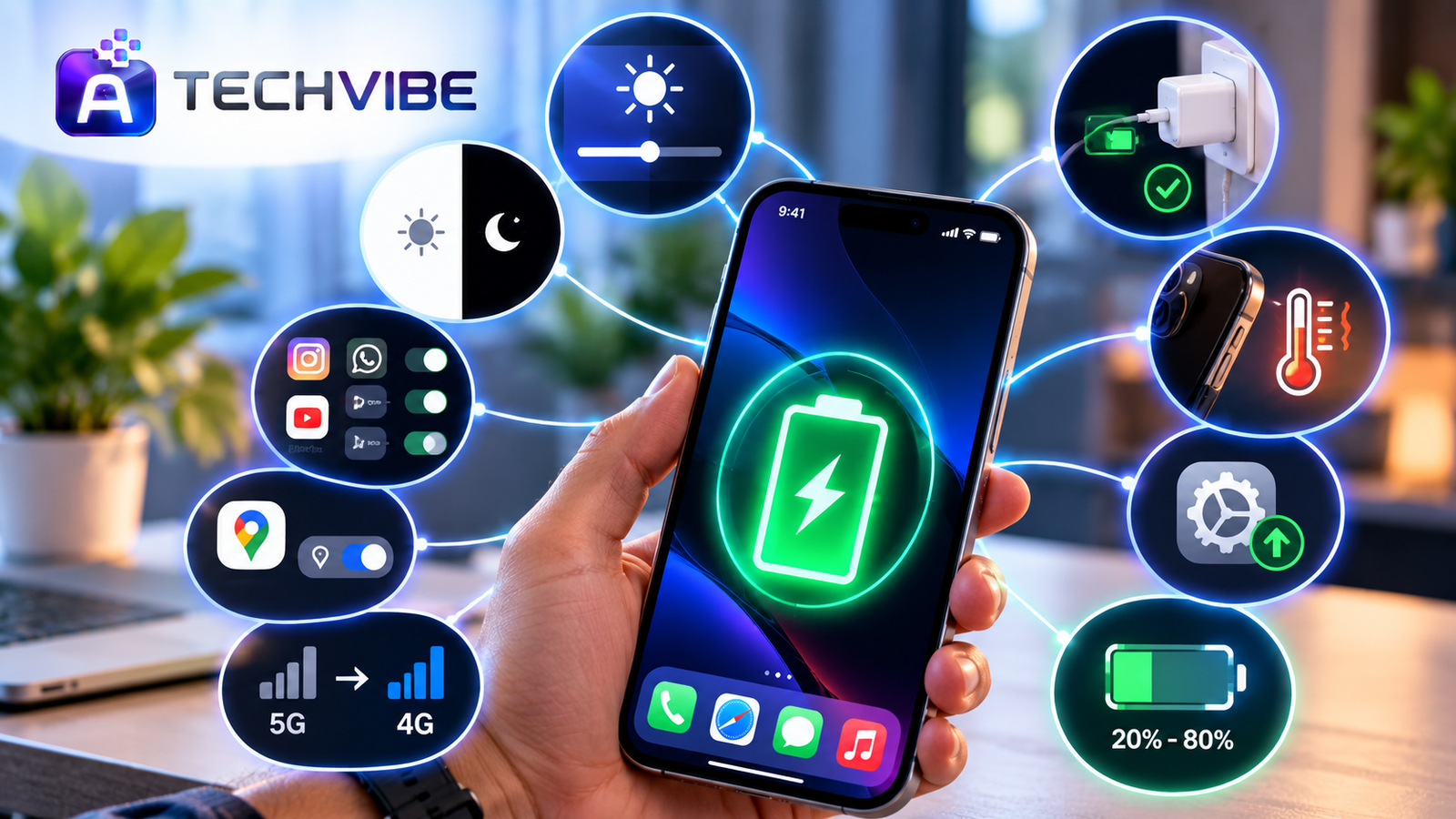
Your display can use more power than everything else combined. Turn on adaptive brightness so the phone adjusts to your surroundings, and avoid keeping it at full brightness indoors.
If your phone has an OLED screen, which most mid-range and flagship phones now do, dark mode can help as well. On these screens, black pixels are switched off completely, so darker themes use less energy. Reducing the screen timeout to 30 seconds or one minute also prevents the display from staying on when you are not using it.
Control Background Apps and Notifications
Many apps keep working after you close them. They refresh feeds, check locations and send notifications all day long. Each one uses only a little power, but together they add up.
Review which apps are allowed to refresh in the background and turn it off for anything that does not need it. Disable notifications from apps you rarely use. Fewer alerts mean fewer screen wake-ups, which saves both battery and attention.
Use the Built-In AI Battery Features
Modern phones learn your daily routine and adjust performance to match. Features like adaptive battery and optimised charging limit power to apps you rarely open and slow down charging overnight to reduce wear.
These smart features are part of a bigger shift in how devices work. We explain this in how AI smartphones are changing mobile device use every day. Make sure these options are switched on, as they often work quietly in the background and need no further effort from you.
Manage Location, Bluetooth and 5G
GPS is one of the most power-hungry features on any phone. Instead of allowing apps to track your location at all times, set them to use it only while the app is open.
Turn off Bluetooth and Wi-Fi scanning when you do not need them. If you live in an area with patchy 5G coverage, your phone may constantly switch between networks searching for a better signal. In that case, switching to 4G for the day can noticeably extend battery life.
Charge Smarter, Not More Often
How you charge matters as much as how often. Lithium-ion batteries are under the most stress when they are kept at 100 percent for long periods or drained to zero. Many experts suggest keeping the charge roughly between 20 and 80 percent for everyday use, and many phones now offer a setting that stops charging at 80 percent automatically.
Use a good-quality, certified charger and cable. Cheap accessories can charge unevenly and produce extra heat. If you spend a lot of time on the road, our car mobile charger buying guide explains what to look for in a safe fast charger.
Keep Your Phone Cool
Heat is the biggest enemy of battery health. Leaving your phone on a car dashboard in summer, gaming for hours while charging, or keeping it under a pillow overnight can all raise the temperature and speed up long-term wear.
If your phone feels hot, remove the case while charging, close heavy apps and let it cool down before continuing.
Keep Software Updated
Phone makers regularly release updates that improve power management and fix bugs that drain the battery. Updates also patch security holes, which protects your personal data. Turn on automatic updates so you do not have to remember. Keeping your accounts safe matters just as much as keeping your device healthy, which is why we recommend reading why every business should use multi-factor authentication, advice that applies to personal phones too.
Know When It Is Time for a Replacement
Every battery wears out eventually. If your phone shuts down unexpectedly, drains very quickly even with light use, or the battery health reading in settings has dropped well below 80 percent, a battery replacement or a new device may be the better choice.
Before buying, compare features carefully. Our look at what Australians need to know before upgrading their iPhone in 2026 covers useful points for anyone considering a new iPhone, wherever they live. And if you are thinking about upgrading your whole setup, see whether AI-powered laptops are worth the upgrade.
Final Thoughts
A longer-lasting battery does not require expensive accessories or giving up your favourite apps. Lower your screen brightness, limit background activity, use your phone's built-in smart features, charge sensibly and keep the device cool. These small changes add up to hours of extra use every day and a battery that stays healthy for years.
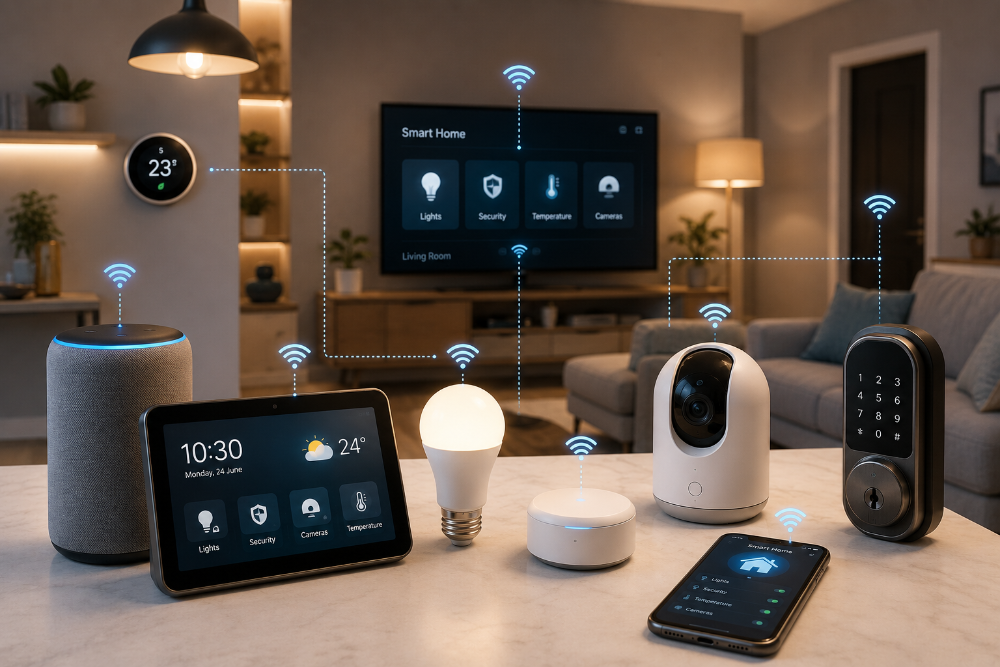
For more ways to make technology work better at home, explore our guide on how to choose the best smart home gadgets in 2026.