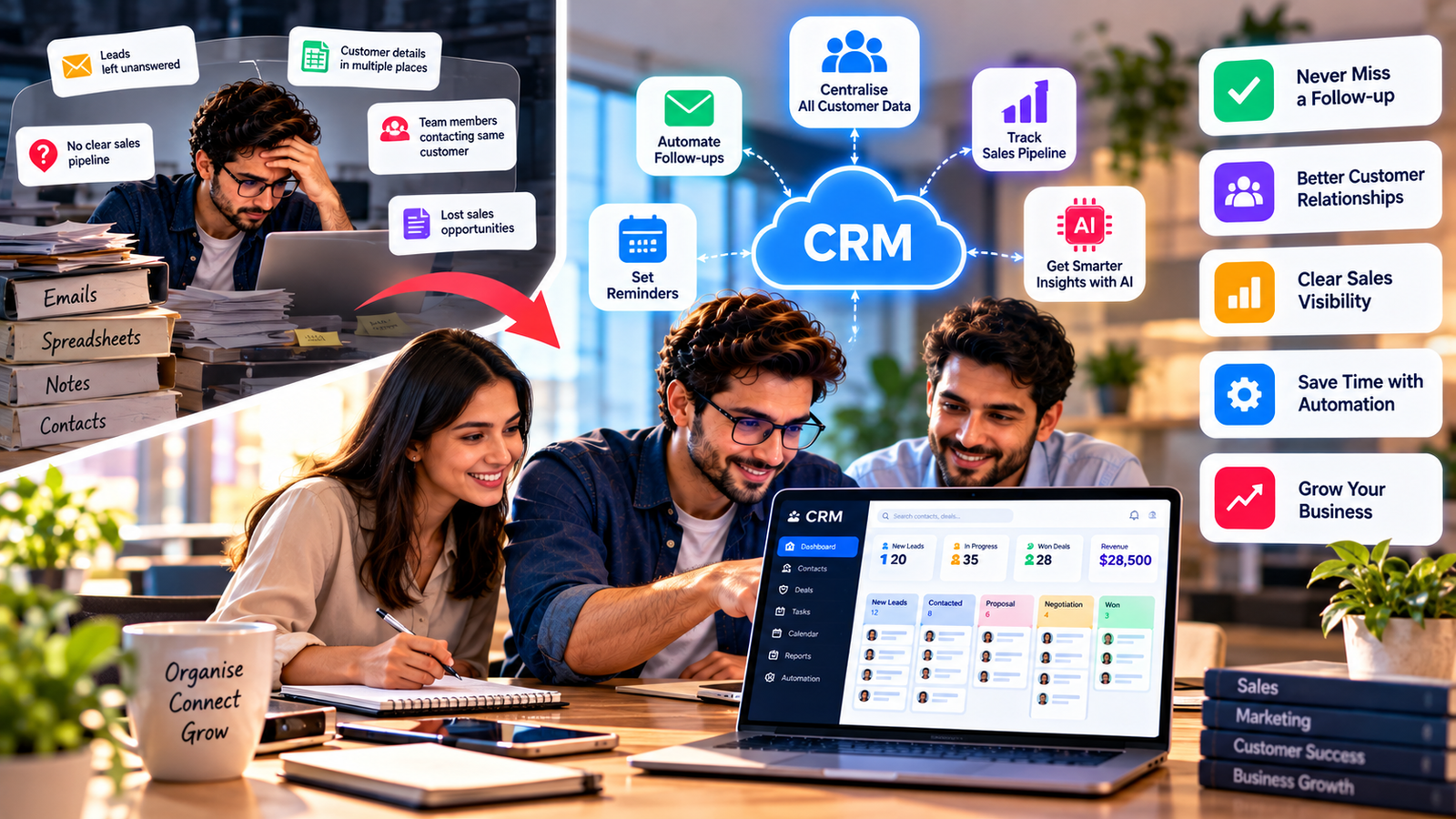
Picture this. A potential customer fills out your contact form on Monday. Your sales person sees it, means to reply, and then gets pulled into a busy week. By Friday, the customer has signed with a competitor. Nobody did anything wrong. The lead simply slipped through the cracks.
This is exactly the problem CRM software for small business is built to solve. But is it really worth the monthly fee, the setup time and the effort of getting your team on board? Let us look at the honest answer, including when a CRM pays off, when it does not, and how to avoid the mistakes that make many businesses give up on it.
So What Exactly Does a CRM Do?
CRM stands for customer relationship management. Think of it as a shared memory for your business. Every contact, email, phone call, meeting, quote and purchase is stored in one place, linked to the right customer.
When someone calls, anyone on your team can open their record and instantly see who they are, what they bought, what was promised and what happened last time. No more asking colleagues, searching old inboxes or guessing.
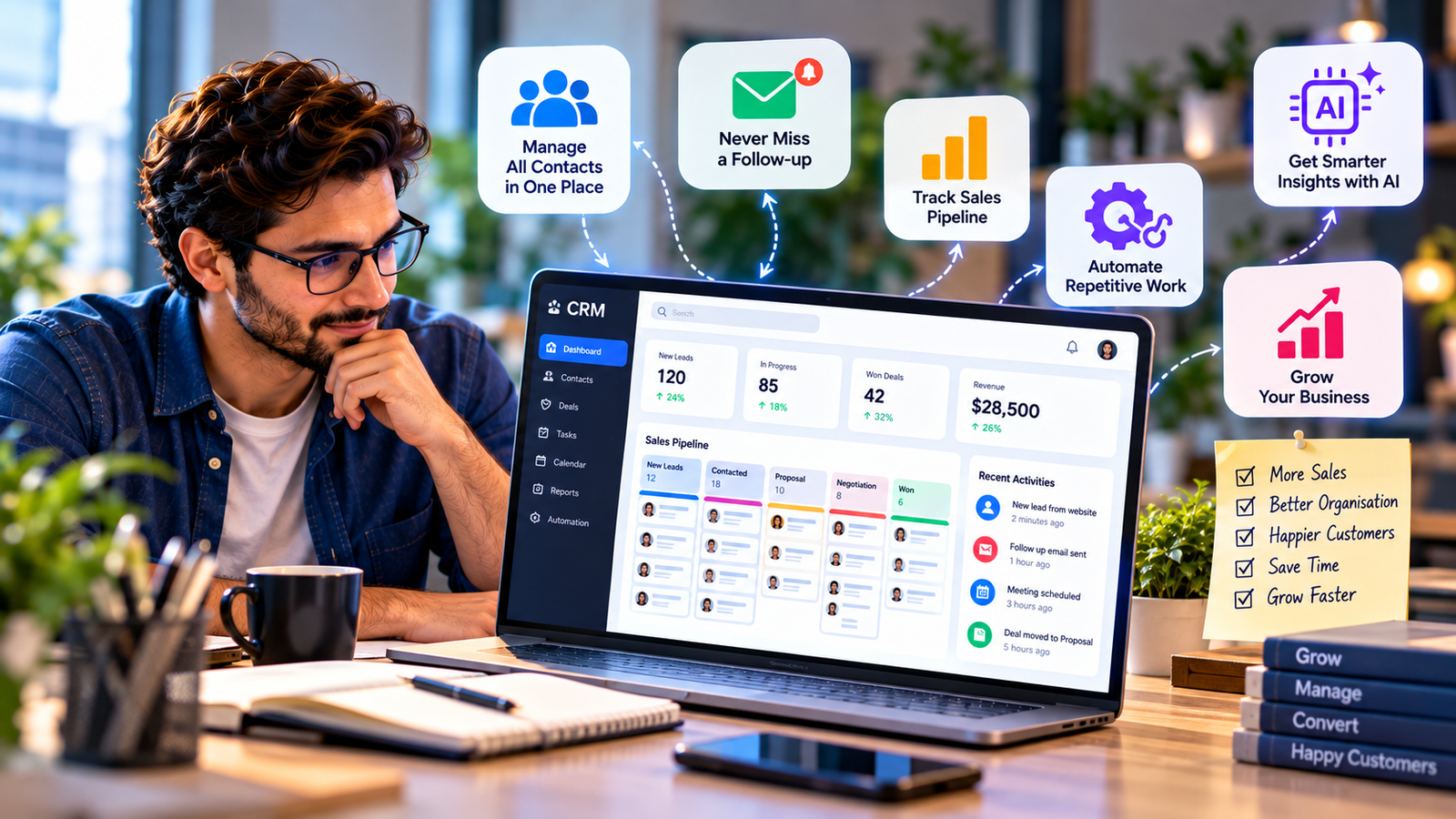
Most CRM tools also include a sales pipeline, which is a visual board showing every deal and its stage. Many add reminders, email templates, simple automation and reports. Some go further with marketing, support tickets and AI assistants.
How Do You Know It Is Time for One?
Not every business needs a CRM on day one. A freelancer with ten clients can manage well with a spreadsheet. But growth changes things quickly.
You have probably outgrown your current system if:
You have lost a sale because someone forgot to follow up.
Customer details live in five different places.
Two team members have contacted the same customer without knowing it.
You cannot answer “how much revenue is in the pipeline?” without an hour of digging.
Loyal customers have to repeat their history every time they get in touch.
If several of these feel familiar, the cost of not having a CRM is already higher than the subscription fee.
What Do You Actually Get for Your Money?
The honest benefit of a CRM is not the software itself. It is the habits it creates.
Follow-ups stop falling through the cracks. Tasks and reminders make sure every lead gets a response.
Customers feel remembered. When your team knows a customer’s history, conversations feel personal rather than scripted. Personalisation has become a major expectation, as we explain in how machine learning is changing customer experiences.
You see the future more clearly. A pipeline turns guesswork into a forecast. You know which deals are likely to close and when.
Repetitive work shrinks. Welcome emails, lead assignment and status updates can run on their own.
New hires get up to speed faster. Instead of learning everything from a colleague’s memory, they can read the customer’s full history.
Which Features Actually Matter?
CRM providers love long feature lists. Most small businesses need only a handful.
A clean contact database. Easy to search, easy to update, with a clear activity timeline for each customer.
A simple pipeline. Drag-and-drop stages that match how you really sell.
Email connection. Messages should be logged automatically so nobody has to copy and paste.
Reminders and tasks. The feature that saves the most deals.
Basic automation. A few rules that handle repetitive steps.
Mobile access. Essential if your team meets clients outside the office.
Integrations. Connections to your accounting, calendar, website forms and email marketing tools.
Everything else, such as advanced forecasting, territory management or complex custom objects, can wait until you clearly need it.
Where Does AI Fit In?
AI is now built into most popular CRM platforms. It can rank leads by how likely they are to buy, summarise long email threads, draft replies and recommend the next best action.
Some systems now include AI agents that update records, book meetings and prepare weekly reports without being asked. We look at this shift in how AI agents are changing the way businesses work. On the marketing side, AI also helps reach the right people, as covered in how AI is improving campaign targeting and conversion tracking.
There is one catch. AI is only as good as your data. A CRM full of duplicates and outdated contacts will produce poor suggestions, no matter how clever the software is.
How Much Should a Small Business Pay?
Most CRMs charge a monthly fee per user. Free plans exist and can be enough for very small teams. Paid plans usually unlock automation, reporting and integrations.
Before comparing prices, check three things. First, which features are locked behind higher tiers. Second, whether there are extra costs for add-ons or storage. Third, whether annual billing offers a discount.
A good rule of thumb is simple: if the CRM helps you win even one or two extra customers per month, it usually pays for itself. If you are working with a tight budget, our guide to using AI and smart tools without a big budget shares more cost-saving ideas.
Why Do So Many CRM Projects Fail?
Here is the uncomfortable truth. Many businesses buy a CRM, use it for a few weeks, and then quietly go back to spreadsheets. The software is rarely the reason. The usual causes are:
Too complicated. A system packed with fields and menus feels like extra work.
Messy data. Importing duplicates and old contacts makes the CRM untrustworthy from day one.
No training. People do not use tools they do not understand.
No rules. If updating the CRM is optional, it will not happen.
No visible benefit. If the team does not see how it helps them, enthusiasm fades.
How Do You Get Your Team to Actually Use It?
Pick something simple. Ease of use matters more than feature count.
Clean your data before importing. Remove duplicates and outdated contacts first.
Start with the basics. Contacts, one pipeline and a few reminders. Add more later.
Set one clear rule. Every customer interaction goes into the CRM. If it is not recorded, it did not happen.
Show quick wins. Share a deal that closed because a reminder worked. Real examples build buy-in faster than any training slide.
Review monthly. Remove unused fields, adjust pipeline stages and check reports together.
Is It Safe to Keep Customer Data in a CRM?
Reputable CRM providers invest heavily in security, often more than a small business could on its own. But your settings still matter.
Give each person access only to what they need. Remove accounts the day someone leaves. Turn on two-step login for every user, a simple step we explain in why every business should use multi-factor authentication. Also check where the provider stores data and whether it meets the privacy rules in your region.
What If You Outgrow It?
The CRM that fits a five-person team may not suit fifty people. That is normal. Choose a tool that offers higher plans or easy data export so you can grow without starting over. Larger companies often move to enterprise platforms, which we explore in Salesforce solutions for customer-centric business growth.
The Bottom Line
So, is CRM software for small business worth it? For most growing businesses, yes, but only if it becomes part of daily work. The value does not come from the software alone. It comes from consistent follow-ups, shared customer knowledge and clear sales visibility.
Start small, keep your data clean and make the CRM the single home for every customer conversation. Within a few months, the question will not be whether it was worth it, but how you ever managed without it.
A CRM is often the first step in a wider digital upgrade. If you are planning what comes next, our article on smart digital transformation strategies is a good place to continue, and you will find more practical business tech guides on AtechVibe.