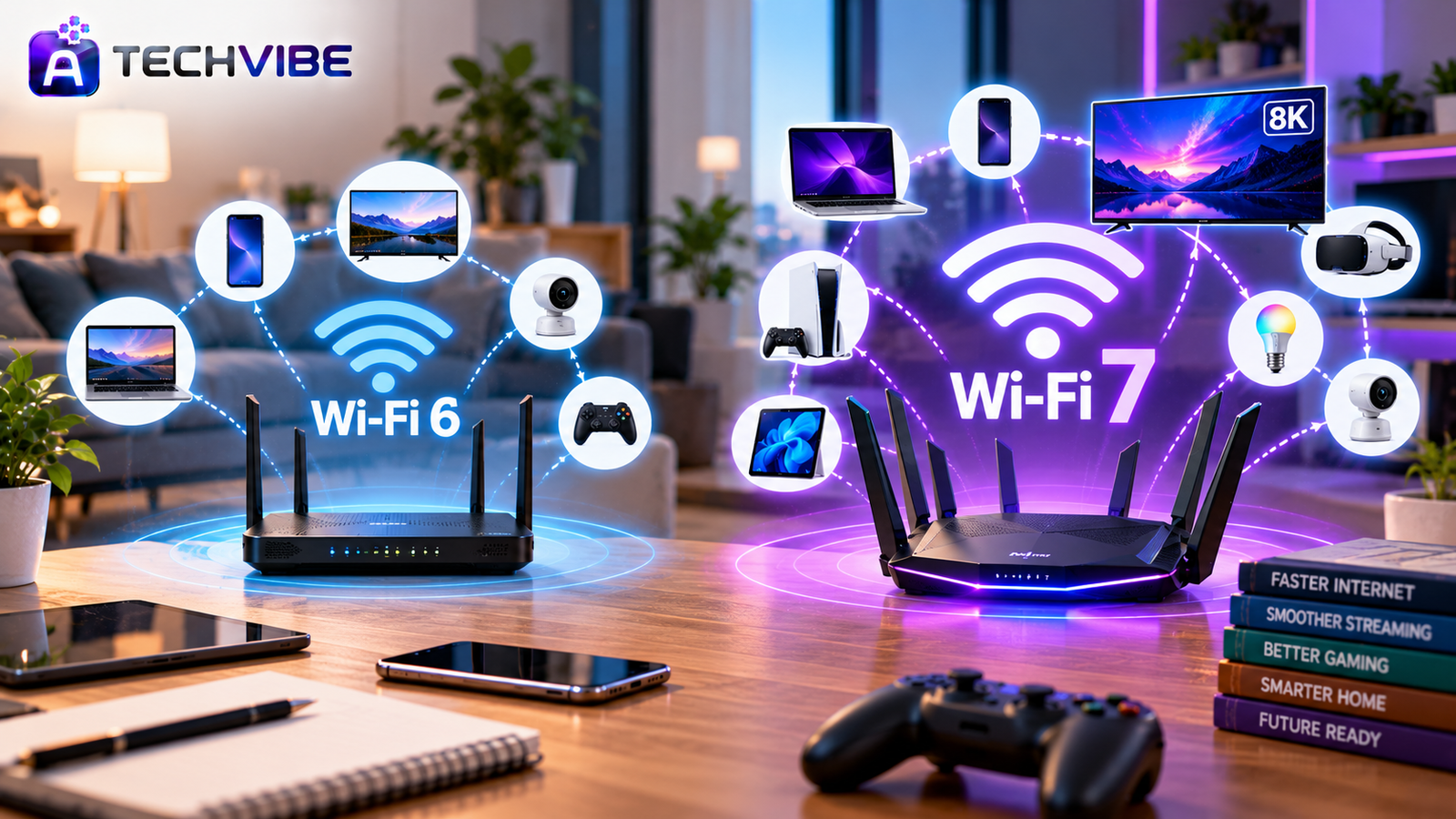
Walk into any electronics store today and the router shelf is full of boxes shouting “Wi-Fi 7.” The promise sounds amazing: faster downloads zero lag and rock-solid connections in every room. But if your Wi-Fi 6 router is only a couple of years old, does it really need replacing?
The Wi-Fi 7 vs Wi-Fi 6 debate is less about which standard is better on paper and more about which one fits your home, your internet plan and your devices. This guide cuts through the marketing so you can spend your money wisely.
The 30-Second Answer
Choose Wi-Fi 7 if you have a 1 Gbps or faster fibre plan, lots of devices online at once, or you game, stream in 4K and work on video calls every day.
Stay with Wi-Fi 6 if your internet plan is slower than 1 Gbps, your current Wi-Fi covers your home well, and most of your devices are a few years old.
Now let us look at why.
Wi-Fi 6 in Plain Words
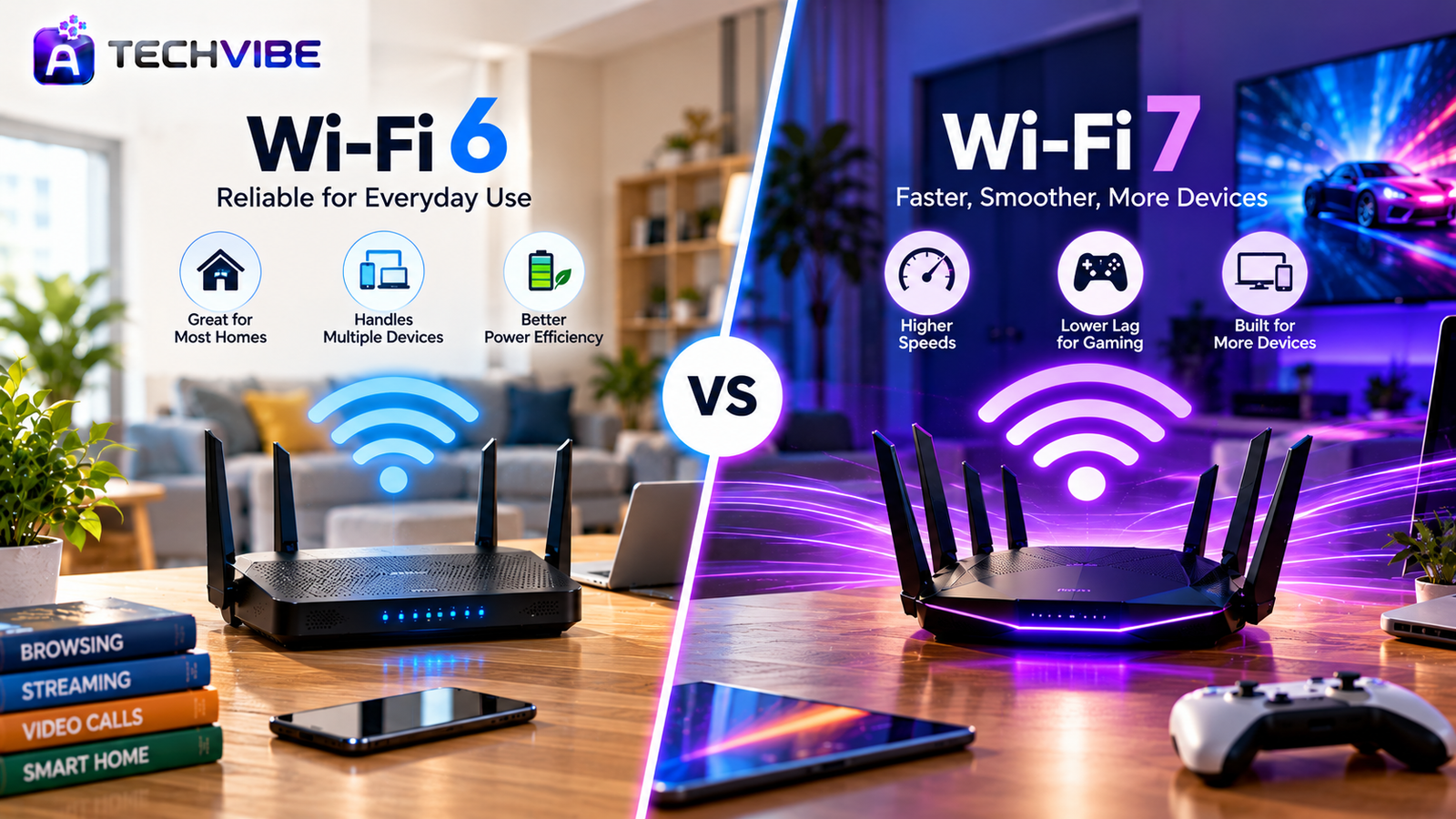
Wi-Fi 6, also called 802.11ax, was designed for busy homes. Its biggest strength is handling many devices at the same time without slowing down. Phones, laptops, TVs, cameras and smart speakers can all share the network more efficiently than with older Wi-Fi.
It also helps battery-powered devices save energy by scheduling when they wake up to send data. A later version called Wi-Fi 6E added the 6 GHz band, which offers extra space for faster, less crowded connections in countries where that band is allowed.
For a typical household, a good Wi-Fi 6 router still performs very well.
Wi-Fi 7 in Plain Words
Wi-Fi 7, or 802.11be, takes everything Wi-Fi 6 does and pushes it further. It is built for very fast internet plans, heavy online use and homes packed with connected devices.
Its main upgrades are:
Wider data lanes. Channels can be up to 320 MHz wide, double what Wi-Fi 6E allows. More width means more data moving at once.
Multi-Link Operation (MLO). Devices can use two or more bands at the same time. If one band gets busy, traffic flows through another instantly. This is the feature that makes Wi-Fi 7 feel smoother.
More data per signal. A technique called 4096-QAM squeezes more information into each transmission than the 1024-QAM used in Wi-Fi 6.
Better use of busy channels. Wi-Fi 7 can work around interference instead of giving up a whole channel when part of it is crowded.
Key Differences at a Glance
Standard: Wi-Fi 6 – 802.11ax | Wi-Fi 7 – 802.11be
Bands: Wi-Fi 6 – 2.4 GHz and 5 GHz (6 GHz on 6E) | Wi-Fi 7 – 2.4 GHz, 5 GHz and 6 GHz
Max channel width: Wi-Fi 6 – 160 MHz | Wi-Fi 7 – 320 MHz
Modulation: Wi-Fi 6 – 1024-QAM | Wi-Fi 7 – 4096-QAM
Multi-Link Operation: Wi-Fi 6 – No | Wi-Fi 7 – Yes
Theoretical top speed: Wi-Fi 6 – about 9.6 Gbps | Wi-Fi 7 – about 46 Gbps
Best suited for: Wi-Fi 6 – most homes and small offices | Wi-Fi 7 – gigabit internet, crowded networks and low-lag use
What Speed Will You Actually Get?
Those top speeds are theoretical. You will never see them at home, and that is true for both standards. Real performance depends on three things.
1. Your internet plan. Your router cannot deliver more internet speed than your provider sends. On a 200 or 300 Mbps plan, Wi-Fi 6 already has plenty of headroom. Wi-Fi 7 starts to matter on gigabit and multi-gigabit plans.
2. Your devices. Only Wi-Fi 7 devices can use Wi-Fi 7 features. Older phones and laptops connect using their own standard. Many recent flagship phones and premium laptops support Wi-Fi 7, but plenty of mid-range devices still do not. If you are planning a laptop upgrade too, our article on whether AI-powered laptops are worth it is worth a read.
3. Distance and walls. The fastest Wi-Fi 7 results come from the 6 GHz band, which has a shorter range. In the same room, it is impressive. Through several walls, the gap between Wi-Fi 6 and Wi-Fi 7 narrows a lot.
Where Wi-Fi 7 truly stands out is stability. Multi-Link Operation reduces sudden lag and dropouts. For video meetings, online games and cloud-based work, a steady connection often matters more than peak speed. That is especially true now that so much work happens online, as we explore in how technology is transforming modern workplaces.
Upgrade Now If…
Your broadband is 1 Gbps or faster.
Ten or more devices are often online at the same time.
You play competitive online games or use VR.
You stream 4K or 8K video on several screens.
You run a small office with constant video calls and large uploads.
Your current router is Wi-Fi 5 or older and needs replacing anyway.
Wait If…
Your internet plan is below 1 Gbps.
Your Wi-Fi 6 router covers every room without problems.
Most of your phones and laptops are more than two or three years old.
Your daily use is browsing, social media and HD streaming.
You would rather spend the money on something else this year.
What About Smart Home Devices?
Smart bulbs, plugs, doorbells and sensors do not need fast Wi-Fi. Most use the 2.4 GHz band and send tiny amounts of data. They work happily with either standard, and Wi-Fi 6’s power-saving features already suit them well. If you are setting up a connected home, our guide to choosing the best smart home gadgets covers what really matters.
Dead Zones? Try Mesh First
If your complaint is weak signal in the bedroom or garden, a new Wi-Fi standard may not fix it. Range problems are usually solved by a mesh system, which places two or three units around the home to spread coverage evenly.
Mesh systems are available in both Wi-Fi 6 and Wi-Fi 7 versions. Wi-Fi 7 mesh can use Multi-Link Operation to keep the connection between units fast, but even a Wi-Fi 6 mesh kit will transform coverage in most homes.
Smart Buying Tips
Check your internet speed first, then choose a router that matches it.
Look for multi-gig Ethernet ports if you have a fast fibre connection.
Confirm whether the 6 GHz band is permitted in your country.
Count how many of your devices support Wi-Fi 7.
Choose a brand with a good record for firmware updates.
Compare prices on last year’s models, which often drop sharply when new ones launch.
Do Not Forget Security
A new router is a good moment to tighten your network security. Change the default admin password, turn on WPA3 encryption, disable WPS, and keep the firmware updated. If your router uses a mobile app or online account, protect it with two-step login. We explain the value of this simple habit in why every business should use multi-factor authentication.
The Bottom Line
Wi-Fi 7 is the better technology, no question. But better technology only helps when the rest of your setup can use it. For many homes today, a solid Wi-Fi 6 router still delivers everything needed.
The smartest approach is to upgrade when it solves a real problem: a faster internet plan, a crowded network, or new devices that support Wi-Fi 7. If you are buying your first router in years, Wi-Fi 7 is a sensible investment that will stay relevant for a long time.
Phones are moving to newer wireless standards fast as well, as covered in how AI smartphones are changing everyday mobile use. For more honest tech comparisons and buying advice, explore AtechVibe.