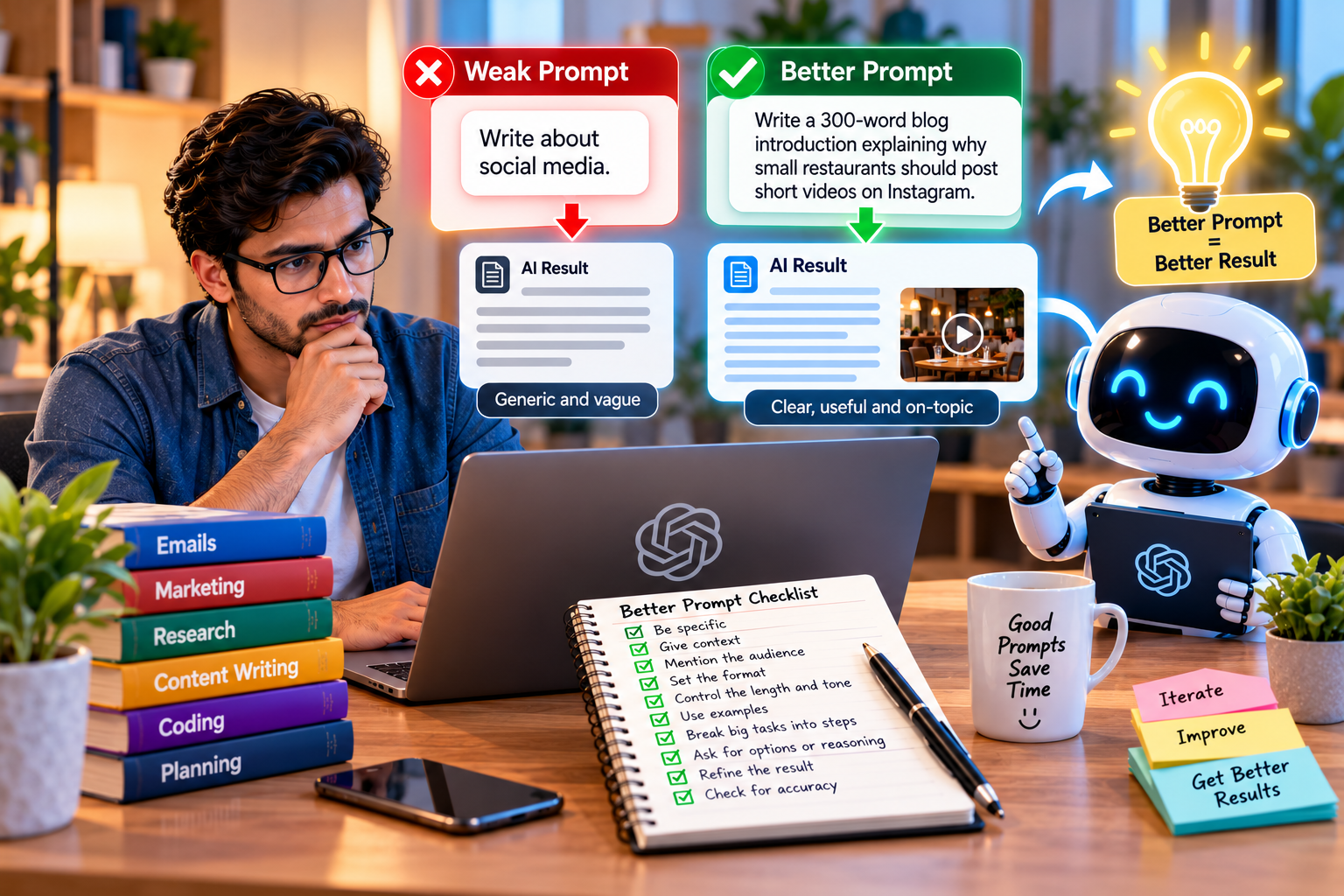
Two people can ask the same AI tool for help and get completely different results. One gets a vague, generic answer. The other gets something sharp, useful and ready to use. The difference is rarely the tool. It is the prompt.
Learning how to write better AI prompts is one of the most valuable skills you can build right now. Whether you use AI for emails, marketing, research, coding or planning, a few simple techniques can save you hours and dramatically improve the quality of what you get. Here are twelve practical tips, each with a weak prompt and a better version, so you can see the difference instantly.
Why Prompts Matter So Much
AI chat tools do not read your mind. They only know what you tell them. When a prompt is short and unclear, the AI fills the gaps with safe, average guesses. That is why so many AI answers sound bland.
A good prompt gives the AI the same information you would give a smart new colleague: what you need, why you need it, who it is for and what a good result looks like.
1. Be Specific About the Task
Vague requests get vague answers.
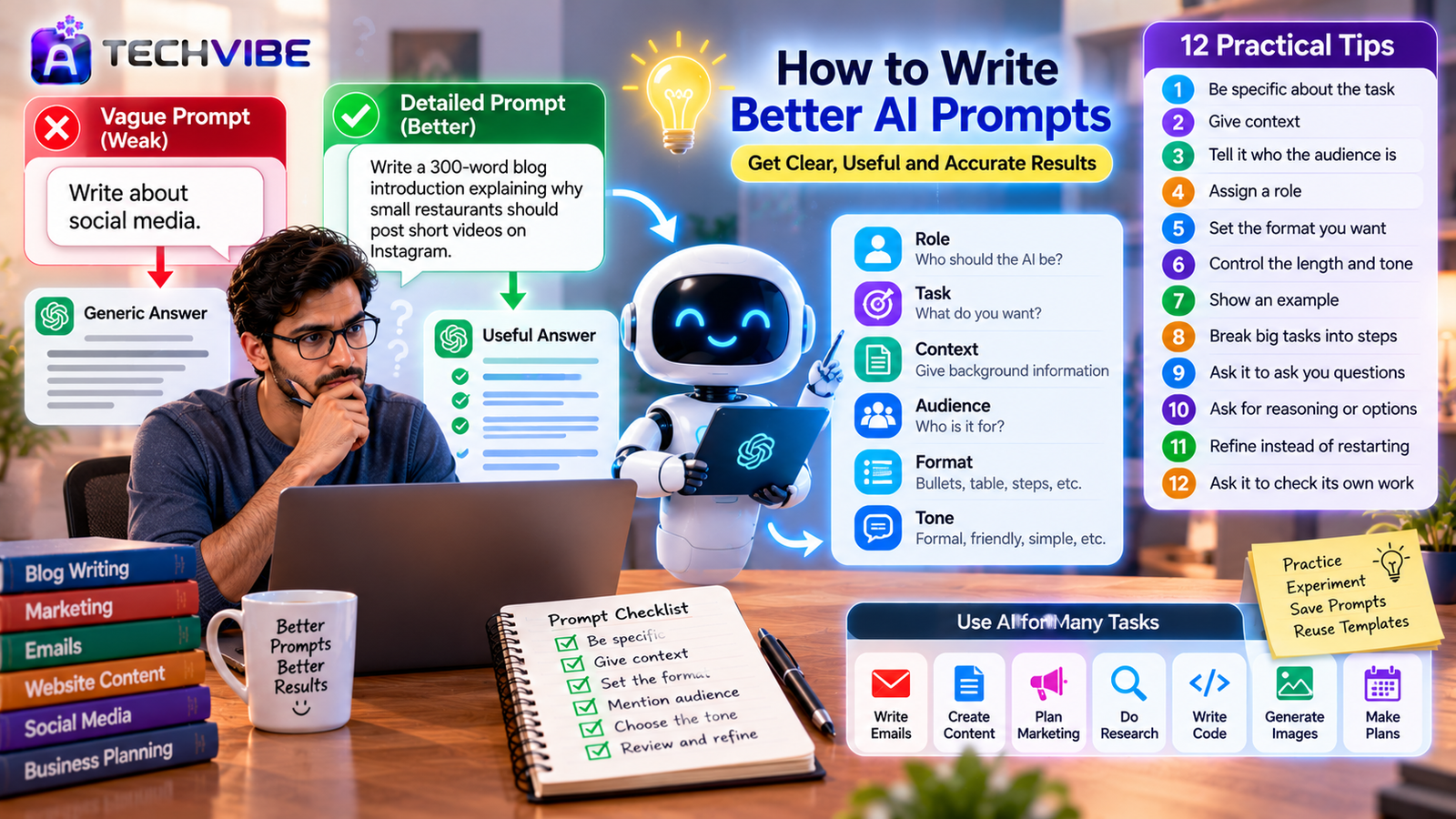
Weak: “Write about social media.”
Better: “Write a 300-word blog introduction explaining why small restaurants should post short videos on Instagram.”
The better prompt names the format, length, topic and audience in one sentence.
2. Give Context
Background information helps the AI make smarter choices.
Weak: “Write an email asking for payment.”
Better: “I run a small design studio. A client is 20 days late paying an invoice for a logo project. We have a good relationship and I want to keep it. Write a polite but clear payment reminder.”
Context turns a generic template into a message that fits your situation.
3. Tell It Who the Audience Is
The same topic needs very different explanations for different readers.
Weak: “Explain cloud storage.”
Better: “Explain cloud storage to a 60-year-old shop owner who is not comfortable with technology. Use simple words and one everyday comparison.”
4. Assign a Role
Asking the AI to take on a role shapes its tone and depth.
Weak: “Review my website homepage text.”
Better: “Act as an experienced conversion copywriter. Review my homepage text below and suggest three changes that would make visitors more likely to contact us.”
5. Set the Format You Want
If you need bullet points, a table, steps or a short summary, say so.
Weak: “Tell me about project management tools.”
Better: “Compare three popular project management tools for a five-person team. For each, give pricing approach, main strength and main weakness in short bullet points.”
6. Control the Length and Tone
AI tends to write too much unless you set limits.
Weak: “Write a LinkedIn post about our new office.”
Better: “Write a LinkedIn post of under 120 words announcing our new office in Pune. Keep the tone warm and professional, with no hashtags and no emojis.”
7. Show an Example
Examples are one of the most powerful prompting techniques. They show the AI exactly what style you want.
Better: “Write five product descriptions for handmade candles in the same style as this example: ‘Sea Salt and Cedar. Calm like a quiet morning by the coast. Burns for 40 hours.’”
8. Break Big Tasks Into Steps
Complex requests work better in stages.
Weak: “Create a full marketing plan for my bakery.”
Better: Start with “List the five most important marketing goals for a new neighbourhood bakery.” Then, in the next message, “Now create a one-month action plan for goal number two.”
Working step by step lets you guide the result and correct direction early.
9. Ask It to Ask You Questions
When you are not sure what details matter, let the AI interview you.
Better: “I want to create a simple employee onboarding checklist. Before you write it, ask me five questions about my business so the checklist fits.”
10. Ask for Reasoning or Options
Instead of accepting the first answer, ask for alternatives or an explanation.
Better: “Give me three different headline options for this article, and explain in one sentence why each might work.”
This helps you choose wisely rather than settling for the first idea. Strong headlines and clear messaging are central to what makes engaging content the core of every successful brand.
11. Refine Instead of Restarting
The first answer is a draft, not the final result. Follow up with specific feedback.
Examples of good follow-ups:
“Make it shorter and more direct.”
“Use a friendlier tone in the opening.”
“Replace the second point with a real-world example.”
“Rewrite this for readers in India.”
Each small refinement brings the result closer to what you need.
12. Ask It to Check Its Own Work
AI can make mistakes, especially with facts, numbers and dates.
Better: “Review your answer for any statements that might be inaccurate or outdated, and list them separately.”
Always verify important facts yourself, especially for legal, financial, medical or technical information.
A Simple Prompt Formula
When in doubt, use this structure:
Role + Task + Context + Audience + Format + Tone
For example: “Act as a friendly IT consultant (role). Write a short guide on creating strong passwords (task) for our company newsletter (context). Readers are non-technical office staff (audience). Use five numbered tips (format) in a light, encouraging tone (tone).”
You do not need every part every time, but the more you include, the better the result.
Prompts for Images and Code
The same principles apply beyond text.
For image tools, describe the subject, style, lighting, colours and mood. “A cosy home office at sunrise, soft natural light, minimal Scandinavian style, warm tones” works far better than “office picture.” Businesses are building entire products on this capability, as we explain in white label AI image generator software.
For coding help, mention the programming language, what the code should do, any errors you see and the result you expect. AI is reshaping how developers work, a shift we cover in how AI is changing software development.
Common Prompting Mistakes
Writing one-line prompts for complex tasks.
Forgetting to mention the audience or purpose.
Accepting the first answer without refining it.
Asking several unrelated questions in one prompt.
Trusting facts and figures without checking them.
Keep Sensitive Information Out
Be careful about what you paste into public AI tools. Avoid sharing passwords, customer personal data, confidential contracts or unpublished financial results unless your company uses an approved business version with proper data protection. Set clear rules for your team about what can and cannot be shared.
Bringing AI Into Your Business
Good prompting is often the first step toward using AI more widely. Once your team is comfortable, you can explore automation and AI agents that handle repetitive work, as described in how AI agents are changing the way businesses work.
If you are planning a structured rollout, our AI adoption roadmap for small businesses offers a step-by-step path, and our guide on using AI without a big budget shows how to start affordably. Some companies also bring in outside experts, and we explain when that helps in how AI consulting helps small businesses compete.
Practice Beats Theory
The best way to improve is to experiment. Take a task you do every week, write a detailed prompt using the tips above, and compare the result to your usual approach. Save the prompts that work well and reuse them as templates.
Within a few weeks, you will notice that AI stops feeling like a novelty and starts feeling like a genuinely useful assistant. For more practical guides on AI and everyday technology, explore the latest articles on AtechVibe.