Key Takeaways
- What AI chatbot software is — and how it differs from older scripted bots
- Nine practical ways businesses can use chatbots in customer support
- A simple six-step plan to start without over-automating
- What to look for when choosing AI chatbot software
- Why human handoff still matters alongside AI and voice agents
Customer support teams deal with the same challenge almost every day: customers want quick answers, but support teams cannot always respond to every message immediately.
A customer may want to know the status of an order, ask about a return policy, check business hours, or book an appointment. These questions may be simple, but answering them one by one can take a lot of time when the number of customers grows.
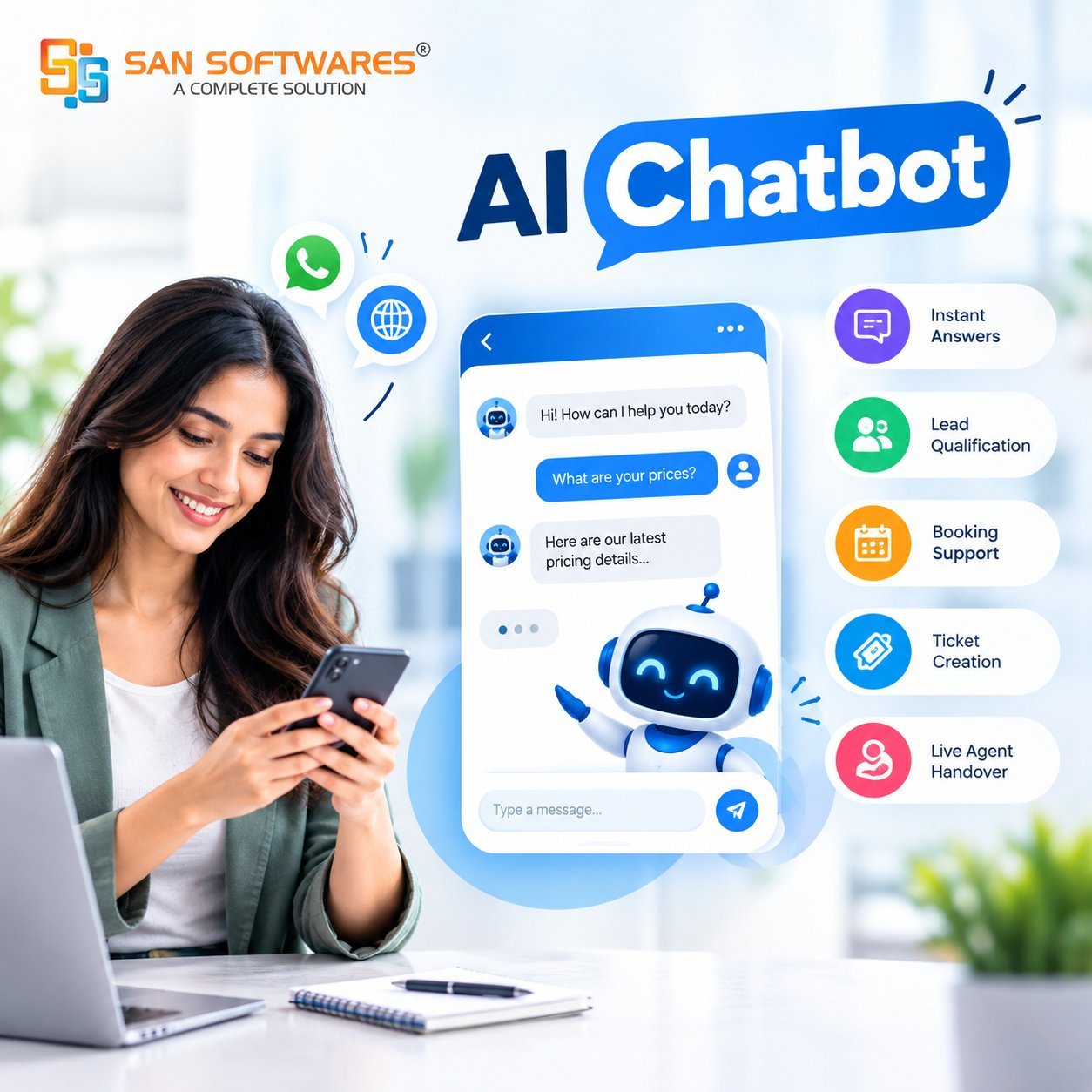
This is where AI Chatbot Software can help. Instead of replacing the entire support team, a chatbot can handle common questions and routine tasks while human agents focus on conversations that need more attention.
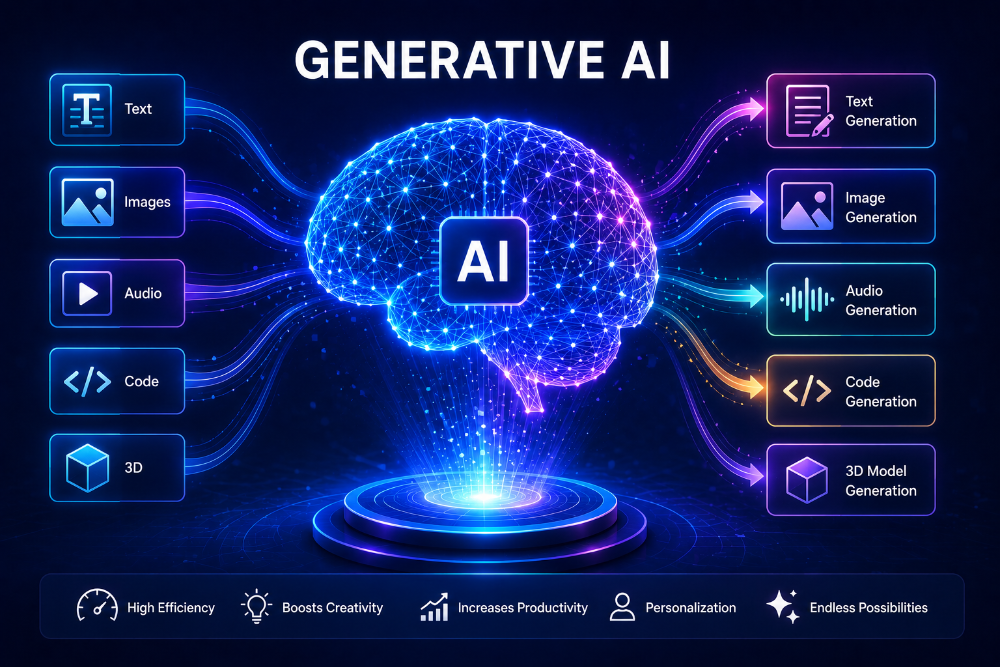
AI chatbots can work across websites, messaging platforms, and other digital channels. They can provide immediate answers, guide customers through simple processes, and send complicated conversations to human agents when needed. Teams already exploring generative AI for business workflows will recognize the same pattern: automate the routine, keep people for judgment calls.
What Is AI Chatbot Software?
AI Chatbot Software is a digital tool that uses artificial intelligence to communicate with customers through text.
Traditional chatbots often depended on fixed questions and answers. Modern AI-powered chatbots can understand the meaning behind a customer's message and provide a response based on the information available to them.
For example, a customer may type:
"Can I change my delivery date?"
The chatbot can identify that the customer is asking about an order and provide the relevant information or guide the customer to the next step.
The goal is not simply to make conversations automated. A useful chatbot should make it easier for customers to find information and easier for support teams to manage repetitive work.
1. Answer Common Customer Questions
One of the simplest ways businesses can use an AI chatbot is for frequently asked questions.
Most support teams receive similar questions repeatedly. These could include:
- What are your business hours?
- How long does delivery take?
- What is your return policy?
- Where can I find a particular product?
- How can I book an appointment?
- How can I update my account details?
Instead of requiring an employee to answer every question, a chatbot can provide the information automatically.
This is particularly useful outside normal working hours. Customers do not always contact a business at convenient times, so having an automated first response can reduce waiting time.
2. Help Customers Find the Right Information
Customers do not always know where to find information on a website.
They may have to search through several pages, read a help article, or look through a long FAQ section before finding an answer.
A chatbot can make this process more conversational.
For example, instead of searching a website for information about a service, a customer can simply ask the chatbot a question. The chatbot can then provide the relevant information or direct the customer to the appropriate page.
This type of self-service can be especially useful when a business has a large amount of product or service information — the same idea behind using machine learning to improve customer experiences.
3. Collect Customer Details Before Human Support
Not every conversation needs to be solved by AI.
Sometimes the chatbot can simply collect the basic information that a human agent needs before taking over the conversation.
For example, it could ask for:
- Customer name
- Order number
- Type of issue
- Preferred appointment time
- Contact details
When the conversation reaches a human agent, the agent can already have this information instead of asking the customer to repeat everything.
AI support systems can also be configured to collect information and then escalate the conversation to a human agent. Zendesk documents this type of AI-to-human handoff as part of its support workflows.
4. Handle Appointment and Booking Requests
Businesses that depend on appointments can use chatbots for basic scheduling tasks.
A customer could ask about available appointment times, provide their details, and request a booking through the chat.
This can be useful for businesses such as:
- Healthcare providers
- Travel companies
- Real estate agencies
- Salons and service businesses
- Educational institutions
- Professional service providers
The chatbot does not have to manage every part of the booking process. It can collect the required information and connect the customer with the appropriate system or employee when necessary.
5. Support Customers on WhatsApp and Websites
Businesses often communicate with customers through more than one channel.
A customer might discover a company through its website but prefer to ask questions through WhatsApp. If the business provides support across these channels, customers can choose the method that is most convenient for them.
This type of setup can be useful for businesses that already receive a large number of customer messages through digital channels.
6. Send Complex Issues to Human Agents
A good customer support chatbot should know when a human needs to take over.
Some questions may involve complaints, sensitive information, unusual requests, or situations that require judgment. Trying to force every conversation through automation can make the experience frustrating.
A better approach is to let the AI handle routine requests and provide a clear path to human support when required.
For example, a chatbot might answer a customer's initial questions and then transfer the conversation to an agent if the customer needs help with a specific account problem.
The human agent can then continue the conversation instead of starting from the beginning. Systems can also pass conversation history during the handoff, helping the agent understand what has already been discussed.
7. Reduce Repetitive Work for Support Teams
Customer service employees spend a significant amount of time handling repetitive questions.
When an AI chatbot handles some of these conversations, agents can spend more time on cases that need human attention.
This does not mean that businesses should remove human support. Instead, AI can act as an additional support layer.
IBM notes that customer service chatbots can handle routine inquiries and help free human agents to focus on more complex situations.
For a growing business, this can also make it easier to manage periods when customer enquiries suddenly increase — especially if you are still figuring out how small businesses can use AI without a big budget.
8. Use AI Voice Agents Alongside Chatbots
Text-based chatbots are not the only option for customer support.
Some customers prefer speaking instead of typing, especially when the issue is easier to explain through a conversation. This is where an AI Voice Agent can complement a chatbot.
An AI Voice Agent can communicate with customers through spoken conversations and can be useful for tasks such as basic enquiries, appointment requests, call routing, and other repetitive phone interactions. That sits alongside the broader shift toward AI agents changing how businesses work.
Businesses can therefore think about customer support in terms of different channels rather than relying on one type of automation. A chatbot can handle text-based conversations while a voice agent can support customers who prefer phone communication.
9. Connect the Chatbot With Business Systems
An AI chatbot becomes more useful when it can work with the systems a business already uses.
For example, connecting the chatbot with a CRM can help capture customer details and enquiries. Connecting it with a ticketing system can help create support requests when an issue needs further attention.
This reduces the need for employees to manually copy information from one system to another.
When choosing a chatbot, businesses should therefore look beyond the conversation itself. They should also consider whether the tool can fit into their existing workflows.
How to Start Using an AI Chatbot
Businesses do not need to automate every customer interaction immediately. A gradual rollout works best — similar to building an AI adoption roadmap for a small business.
A simple starting process can be:
Step 1: Identify repetitive questions
Look at previous customer conversations and find questions that appear frequently.
Step 2: Choose a small set of use cases
Start with straightforward tasks such as FAQs, appointment information, order updates, or basic product questions.
Step 3: Prepare reliable information
Give the chatbot access to approved information such as FAQs, product details, policies, and support documentation.
Step 4: Define human handoff rules
Decide which situations should be transferred to a human agent.
Step 5: Monitor conversations
Review chatbot interactions regularly. Look for unanswered questions, incorrect responses, and situations where customers need human help.
Step 6: Improve over time
Use these observations to update the chatbot's knowledge and workflows.
This gradual approach can help businesses introduce AI without making customer support unnecessarily complicated.
What Businesses Should Look for in AI Chatbot Software
Before choosing a solution, businesses should consider more than just whether the chatbot can answer questions.
Useful areas to check include:
- Knowledge base or information integration
- Website and messaging support
- Human handoff
- CRM or helpdesk integration
- Workflow customization
- Conversation monitoring
- Data security and access controls
- Reporting and analytics
- Ease of updating information
The right features will depend on the business and its customer support process.
Final Thoughts
AI Chatbot Software can be a practical addition to customer support when it is used for the right tasks.
Businesses can start with simple use cases such as answering common questions, collecting customer information, helping with bookings, and guiding customers to useful information. As the system becomes more familiar with the business workflow, it can support more processes.
The important part is to keep human support in the process. AI can handle many routine interactions, but customers should still have a clear way to reach a person when their situation requires human attention.
When chatbots, human agents, and tools such as AI Voice Agents work together, businesses can create a support process that is easier to manage while giving customers more ways to get help.