Key Takeaways
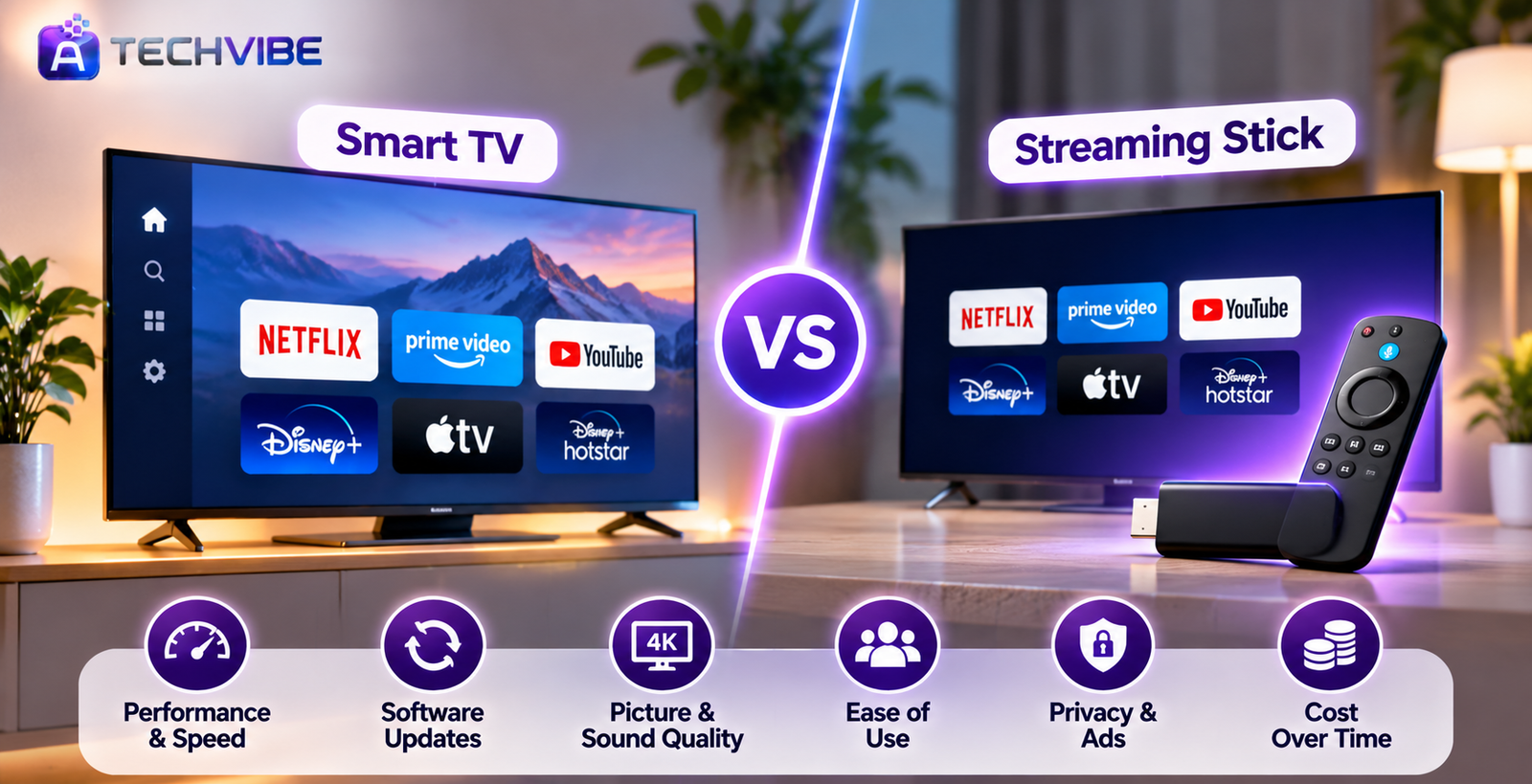
- A smart TV connects directly to the internet and runs its own operating system.
- A streaming stick or box plugs into your TV's HDMI port and adds its own interface, apps and remote.
- Smart TVs often use modest processors because manufacturers focus their budgets on the screen itself.
- Television manufacturers typically provide software updates for a limited number of years.
- The quality of the picture mainly depends on your television's panel, not the streaming source.
Almost every new television sold today is a smart TV, with apps for streaming services built right in. At the same time, small streaming sticks and boxes keep getting cheaper and more powerful. If you are buying a new TV or upgrading an older one, you may be wondering whether the built-in apps are enough or whether a separate streaming device is still worth it.
The smart TV vs streaming stick decision affects how fast your apps open, how long your setup stays up to date, how much privacy you keep and even how much you spend over the years. This guide compares both options in plain language so you can choose what works best for your living room.
What a Smart TV Offers
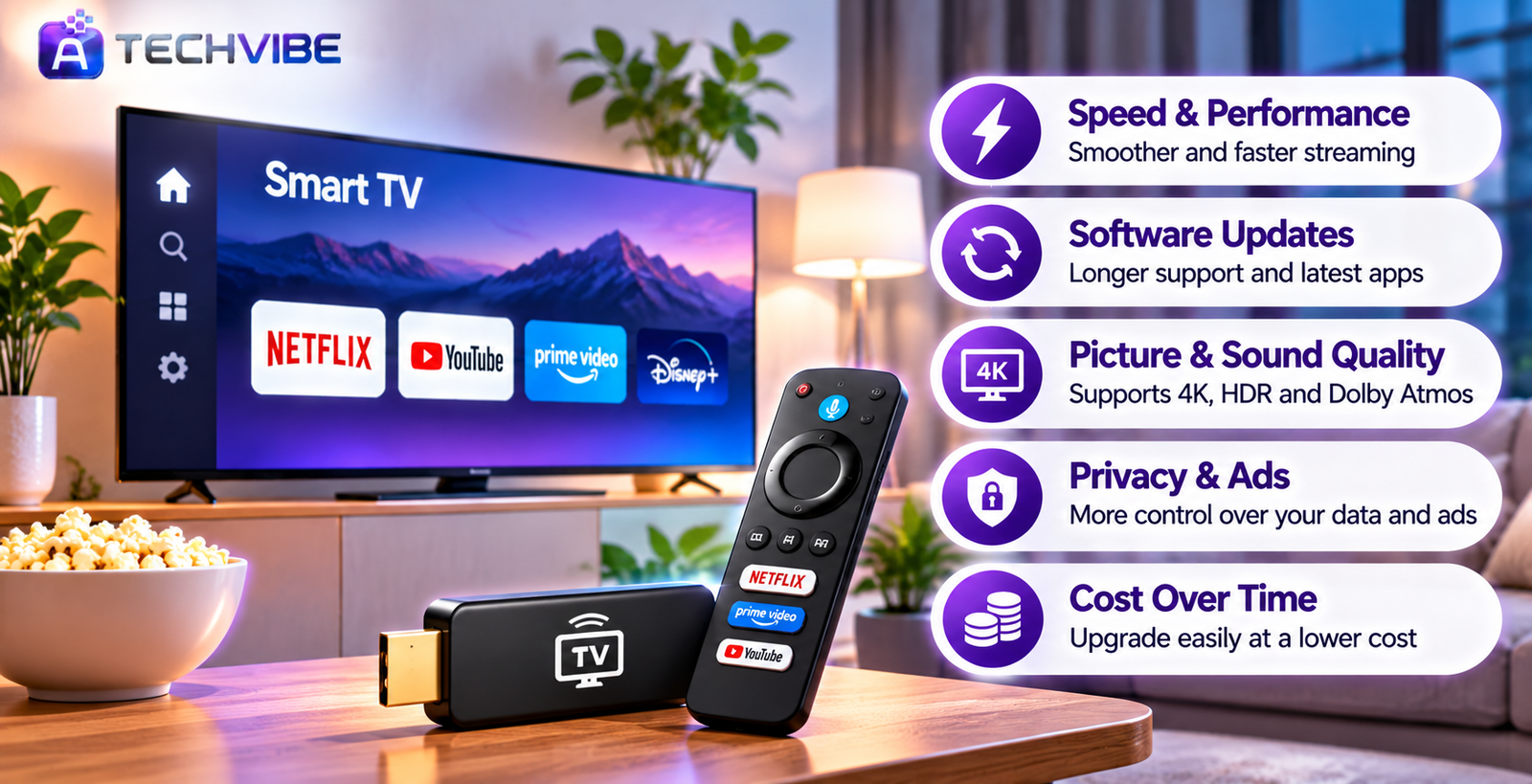
A smart TV connects directly to the internet and runs its own operating system. You can open streaming apps, browse content, use voice search and sometimes control smart home devices without plugging anything else in. Everything happens through one remote, which makes it simple for families and less tech-confident users.
The biggest advantage is convenience. There are fewer cables, fewer remotes and nothing extra to buy. For many households, especially those that mainly use a few popular streaming services, the built-in smart features are perfectly adequate when the TV is new.
What a Streaming Stick Offers
A streaming stick or box plugs into your TV's HDMI port and adds its own interface, apps and remote. Popular options come from major tech and streaming companies, and they often provide a smoother, faster experience than the software built into many televisions.
Streaming devices also tend to receive regular updates for longer and support a wide range of apps. Because they are inexpensive compared with a television, you can replace them every few years to get the latest features without buying a whole new TV.
Speed and Everyday Performance
Smart TVs often use modest processors because manufacturers focus their budgets on the screen itself. When new, menus may feel quick, but as apps become heavier with updates, many smart TVs start to slow down. Apps can take longer to open, menus may lag and occasional crashes become more common.
Streaming sticks are designed specifically for streaming, so their processors and software are optimised for that job. Mid-range and premium streaming devices usually feel noticeably faster than the built-in apps on budget and mid-range TVs. If you find your TV's interface frustrating, adding a streaming stick is often the quickest fix.
Software Updates and App Support
This is one of the most important differences and is often overlooked. Television manufacturers typically provide software updates for a limited number of years. After that, some apps may stop receiving updates or disappear from the TV entirely, even though the screen itself still works well.
Streaming device makers generally support their products for a long time and keep popular apps current. Even when a streaming stick eventually becomes outdated, replacing it costs far less than replacing a television. This makes a streaming stick a smart way to extend the useful life of an otherwise good TV.
Picture and Sound Quality
The quality of the picture mainly depends on your television's panel, not the streaming source. However, the streaming device or built-in system must support the formats you want to use. Check for 4K resolution and the HDR formats your TV supports, such as HDR10, HDR10+ or Dolby Vision, as well as Dolby Atmos if you have a compatible sound system.
Some smart TVs offer excellent built-in support for these formats, while some budget streaming sticks only handle basic HD. Make sure whichever option you choose matches the capabilities of your screen and speakers, otherwise you will not get the full benefit of a good TV.
Ease of Use for the Whole Family
Smart TVs win on simplicity. One remote controls everything, and there is no need to switch inputs. For grandparents, young children or anyone who prefers minimal fuss, this can be a big advantage.
Streaming devices add a second remote and an extra input, but many now support HDMI-CEC, a feature that lets one remote control both the TV and the streaming stick. Their interfaces are often cleaner and more personalised, with better voice search and recommendations. Once set up properly, most families adapt quickly.
Privacy and Advertising
Many smart TVs collect viewing data to personalise recommendations and advertising. Some use a technology called automatic content recognition, which identifies what is playing on your screen. Interfaces may also include more ads and sponsored content over time.
Streaming devices collect data too, so neither option is completely private. The best approach is to review privacy settings during setup, turn off features you are not comfortable with and limit ad personalisation where possible. If you care about protecting your devices and data more broadly, our article on the role of cybersecurity applications in detecting and preventing modern threats is a useful read.
Connectivity and Wi-Fi
Streaming quality depends heavily on your internet connection. Smart TVs sometimes have weaker Wi-Fi hardware, especially in budget models. Streaming sticks can also struggle if they sit behind the TV, where the signal is weaker.
If you experience buffering, try placing your router closer, using a wired Ethernet connection where available, or choosing a streaming device with stronger Wi-Fi support. A reliable home network matters just as much as the device itself for smooth 4K streaming.
Fitting Into Your Smart Home
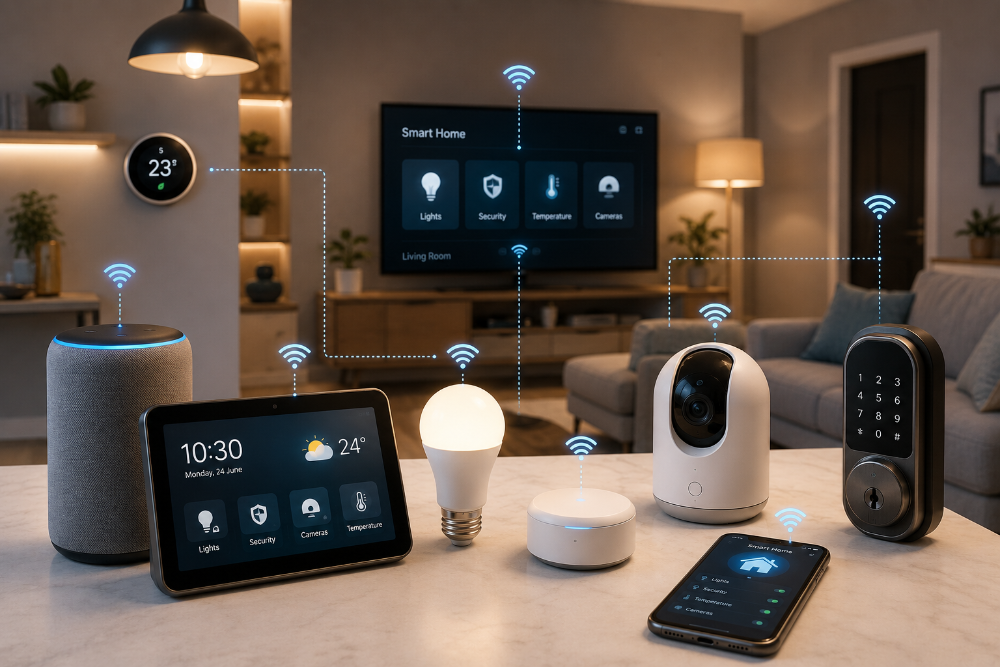
Both smart TVs and streaming sticks increasingly work with voice assistants and smart home systems. You may be able to dim lights, view doorbell cameras or control speakers through your television. The level of support depends on the brand and ecosystem you already use.
If you already own smart speakers or devices from a particular company, a streaming stick from the same ecosystem may integrate more smoothly. Our guide to choosing the best smart home gadgets explains how to build a connected setup that works well together. Phones play a growing role too, letting you cast content or use them as remotes, as discussed in how AI smartphones are changing everyday mobile use.
Cost Over Time
At first glance, a smart TV seems cheaper because there is nothing extra to buy. But over several years, the picture changes. If the built-in software slows down or loses app support, you either live with a frustrating experience or add a streaming device anyway.
Starting with a good screen and planning to add an affordable streaming stick when needed is often the most cost-effective approach. It lets you invest in picture quality while keeping the smart features fresh for years.
Keep Your Streaming Accounts Secure
Whichever option you choose, your streaming accounts hold payment details and personal information. Use strong, unique passwords and turn on two-step login wherever it is available. We explain why this simple habit matters in why every business should use multi-factor authentication, and it applies just as much to home entertainment accounts.
Streaming has become a huge industry, with new platforms launching regularly. If you are curious about how these services are built and run, see how to start your own OTT platform.
So, Which Should You Choose?
A smart TV on its own is a good choice if you want maximum simplicity, use only a few popular apps and are buying a mid-range or premium model with well-supported software. Its built-in features will serve you well for the first few years.
A streaming stick is the better choice if your current TV feels slow, has lost app support, or you want faster performance, longer updates and a more polished interface. For many homes, the best answer is a combination: buy the best screen you can afford and add a streaming stick whenever the built-in software starts to feel outdated.
Final Thoughts
There is no single winner in the smart TV vs streaming stick debate. Smart TVs offer convenience, while streaming sticks offer speed, flexibility and longer-lasting updates. Think about how you watch, who uses the TV and how long you plan to keep it, and the right choice becomes clear.
For more honest gadget comparisons and home tech guides, explore the latest articles on AtechVibe.