Deadlines slip, files go missing and nobody is quite sure who is working on what. If that sounds familiar, your team has probably outgrown email threads and shared spreadsheets. A good project management tool brings tasks, deadlines, files and conversations into one place so everyone knows what needs to happen next.
The challenge is that there are hundreds of options, and they all promise to make your team more productive. Some are simple task lists, while others are powerful platforms with timelines, automation and reporting. This guide explains how to choose a project management tool that genuinely fits the way your team works, without paying for features you will never use.
Why Teams Need a Project Management Tool
When work is spread across inboxes, chat messages and personal notes, important details get lost. People duplicate effort, wait for updates and spend time asking questions that a shared system could answer instantly. Managers struggle to see progress until something goes wrong.
A project management tool solves this by giving every task an owner, a deadline and a clear status. Everyone can see the same information at the same time, which reduces confusion and meetings. As more teams work in hybrid and remote setups, this shared visibility has become essential, a shift we explore in how technology is transforming modern workplaces.
Start With How Your Team Actually Works
Before comparing products, look closely at your own workflow. Think about the type of work your team does, how projects move from start to finish, and where things usually break down. A marketing team running campaigns has different needs from a software team shipping features or an agency managing many clients at once.
It also helps to ask the people who will use the tool every day. They know where time is wasted and what slows them down. Their input makes it far more likely that the tool you choose will actually be adopted, rather than abandoned after a few weeks.
Choose the Right View for Your Projects
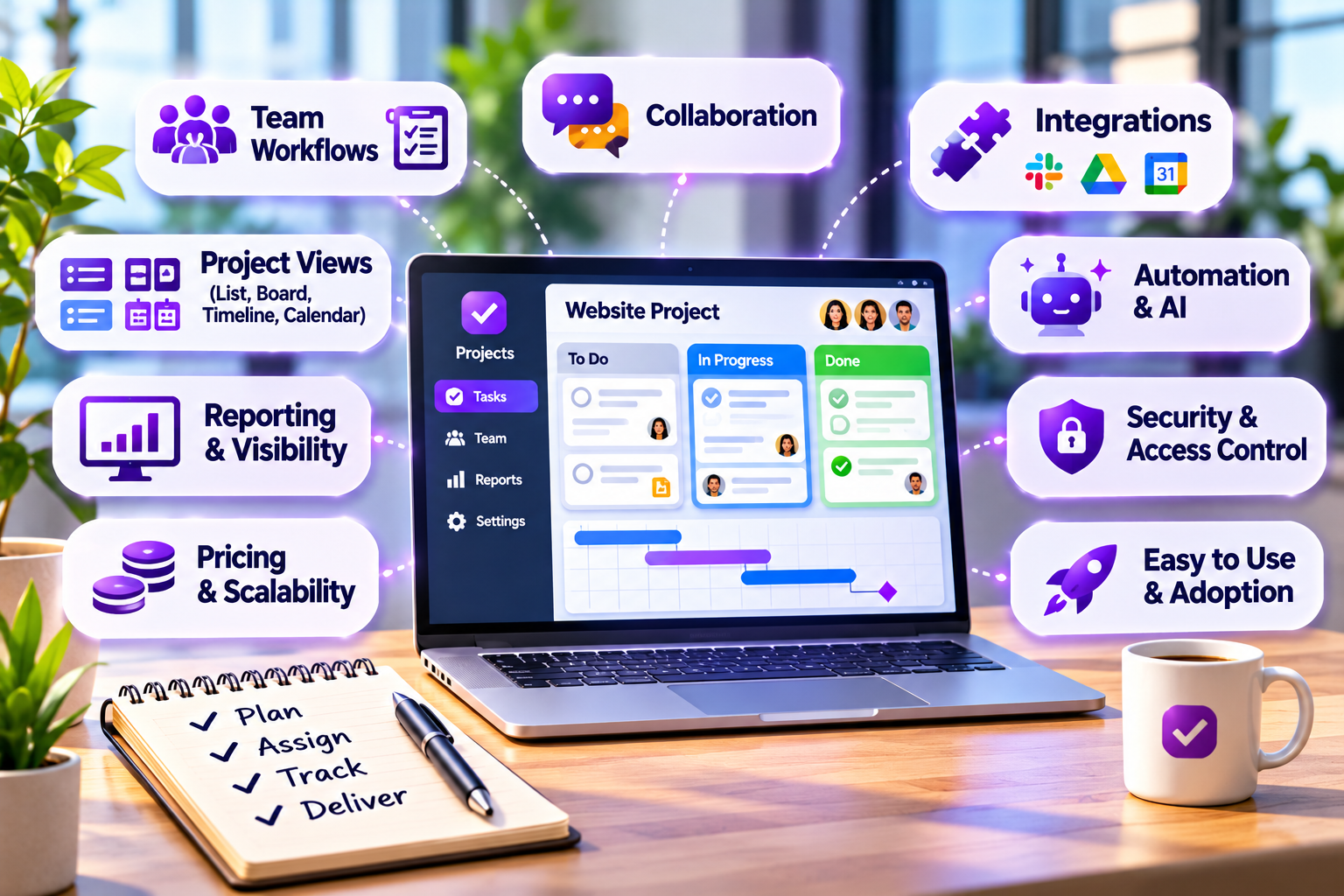
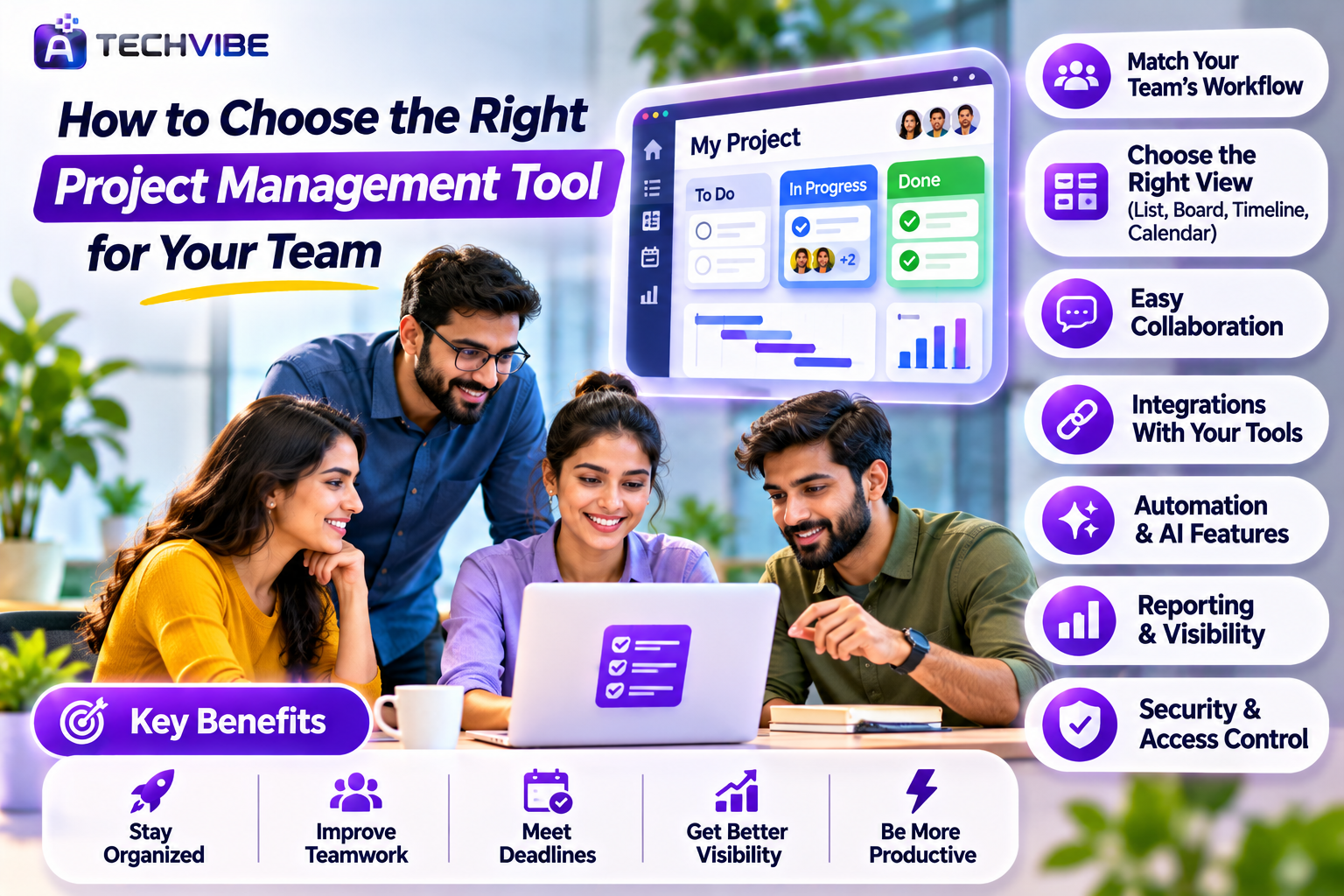
Most project management tools offer different ways to see work. A simple list works well for straightforward tasks and personal to-dos. A board view, often called Kanban, shows tasks as cards moving across columns such as “To Do,” “In Progress” and “Done,” which makes progress easy to see at a glance.
Timeline or Gantt views show how tasks connect over time and are useful for projects with dependencies and fixed deadlines. Calendar views help teams that plan around dates, such as content or event schedules. Choose a tool that supports the views your team will use most, and ideally lets each person switch to the view they prefer.
Look for Easy Collaboration
A project management tool should reduce the need for long email chains. Look for the ability to comment directly on tasks, mention teammates, attach files and see a clear history of changes. When conversations stay attached to the work they relate to, nobody has to search through inboxes to find a decision.
Notifications matter too. The right tool lets people choose what they are notified about, so important updates stand out without overwhelming anyone. Good collaboration features also make it easier for new team members to understand a project quickly, because the context is already there.
Check Integrations With Your Existing Tools
Your project management tool will not work in isolation. It should connect smoothly with the apps your team already uses, such as email, calendars, file storage, chat platforms and customer management systems. Strong integrations mean less copying and pasting and fewer missed updates.
If information is currently scattered across many systems, connecting them can transform how your team works. We look at this challenge in how AI is transforming enterprise knowledge management. Before committing, check whether the tool connects natively with your key apps or requires extra services to link them.
Consider Automation and AI Features
Many modern tools can automate repetitive steps. A task can move to the next stage when a checklist is completed, a reminder can be sent before a deadline, or a new task can be created automatically when a form is submitted. These small automations save hours over time and reduce the chance of forgetting routine steps.
AI features are also becoming common. Some tools can summarise long task threads, suggest deadlines, draft project updates or highlight work that is falling behind. More advanced platforms are beginning to include AI agents that handle routine coordination, a trend we explain in how AI agents are changing the way businesses work.
Think About Reporting and Visibility
Managers need to understand how projects are progressing without chasing people for updates. Look for dashboards that show task status, upcoming deadlines, workload across the team and completed work over time. Clear reporting helps you spot problems early and make better decisions about priorities.
For remote teams, visibility tools can be especially helpful. Some businesses combine project management with time tracking or activity tools, which we compare in our guide to the best live screen monitoring software for remote teams. Whatever you choose, use reporting to support your team rather than micromanage them.
Make Sure It Is Easy to Use
The most powerful tool is useless if your team finds it confusing. A clean interface, simple setup and helpful templates make adoption much easier. If people need long training sessions just to create a task, they will soon return to old habits.
Always take advantage of free trials. Set up a real project, invite a few team members and use the tool for a week or two. Pay attention to how quickly people get comfortable and whether it actually reduces friction in daily work.
Compare Pricing Carefully
Most project management tools charge a monthly fee per user, and many offer a free plan for small teams. However, important features such as timeline views, automation, advanced reporting or guest access are often locked behind higher tiers. Check exactly what each plan includes before deciding.
Think about growth as well. A tool that is cheap for five people may become expensive at fifty. Look for flexible plans, annual discounts and the ability to add or remove users easily. If budget is a concern, our guide on how small businesses can use AI and smart tools without a big budget shares more ways to keep costs under control.
Do Not Overlook Security
Your project management tool will contain plans, client information, files and sometimes sensitive business data. Choose a provider with strong security practices, clear data protection policies and reliable backups. Permission controls should let you decide who can view or edit each project, which is especially important when working with freelancers or clients.
Protect every account with two-step login and remove access promptly when someone leaves the team. We explain why this simple step matters so much in why every business should use multi-factor authentication.
How to Roll Out Your New Tool Successfully
Introducing a new system works best when you start small. Begin with one team or one project, set up a simple structure and agree on a few basic rules, such as where tasks are created and how often they should be updated. Once the first group is comfortable, expand gradually to the rest of the organisation.
Lead by example. When managers assign work, share updates and give feedback inside the tool, everyone else follows. Review how things are going after a month, remove anything that feels unnecessary and adjust the setup to match how your team really works. A project management tool is often one step in a wider modernisation effort, and our guide to smart digital transformation strategies explains how to plan the next steps.
Final Thoughts
Choosing a project management tool is less about finding the platform with the most features and more about finding the one your team will happily use every day. Start with your workflow, involve the people who will use it, test a few options and focus on clarity, collaboration and simplicity.
The right tool turns scattered work into a clear plan, helping your team meet deadlines with less stress. For more practical guides on business software and productivity, explore the latest articles on AtechVibe.