
Key Takeaways
New tech words appear every week. One day it is “LLM,” the next it is “edge computing” or “zero trust.” If you have ever nodded along in a meeting without really knowing what a term means, you are not alone. This list of tech terms explained in plain language is here to help.
Each entry tells you what the word means and why it matters, in just a few short lines. No jargon. No long lectures. Keep it handy and come back whenever a new buzzword shows up.
AI Words You Will Hear Everywhere
1. Artificial Intelligence (AI)
AI is software that can do tasks that usually need human thinking. It can understand speech, recognise faces, translate languages and make simple decisions. You use it every day, often without noticing.
2. Machine Learning
Machine learning is a branch of AI that learns from examples. Instead of following fixed rules, it studies data and spots patterns. It powers product suggestions, spam filters and fraud alerts. See it in action in how machine learning is changing customer experiences.
3. Deep Learning
Deep learning is a more powerful type of machine learning. It uses layers of “neural networks” loosely inspired by the brain. It drives voice assistants, image tools and translation apps. Learn more in how to scale deep learning solutions faster.
4. Generative AI
Generative AI creates something new. It can write text, draw images, compose music or produce code from a short request. When AI drafts your email, that is generative AI.
5. LLM (Large Language Model)
An LLM is the “brain” behind AI chat tools. It has learned from vast amounts of text. That training lets it answer questions and write in a natural, human-like way.
6. Prompt
A prompt is the instruction you type into an AI tool. The clearer and more detailed it is, the better the answer you get.
7. AI Agent
An AI agent does more than chat. It can plan steps, use other apps and finish tasks by itself. For example, it might update a customer record and send a follow-up email. Read more in how AI agents are changing the way businesses work.
8. NPU (Neural Processing Unit)
An NPU is a chip built just for AI tasks. New laptops and phones include one. It runs features like live captions and background blur faster, while saving battery. Is it worth paying for? Find out in are AI-powered laptops worth the upgrade?
Internet and Connection Basics
9. Cloud Computing
Cloud computing means using apps, storage or computing power over the internet. Nothing needs to be installed on your own machine. Email, online drives and streaming all live in the cloud.
10. SaaS (Software as a Service)
SaaS is software you rent instead of buy. You log in through a browser or app and pay a monthly fee. Most modern business tools work this way.
11. API (Application Programming Interface)
An API is a bridge that lets two apps share information. When an online shop takes card payments or a travel site shows many airline prices, APIs are doing the work.
12. Edge Computing
Edge computing handles data close to where it is created. Instead of sending everything to a far-away data centre, a nearby device or server does the work. This cuts delays for things like smart factories and connected cars.
13. 5G
5G is the latest mobile network generation. It is faster than 4G, responds more quickly and supports many more devices at once. Phones are getting smarter alongside it, as covered in how AI smartphones are changing everyday mobile use.
14. Wi-Fi 7
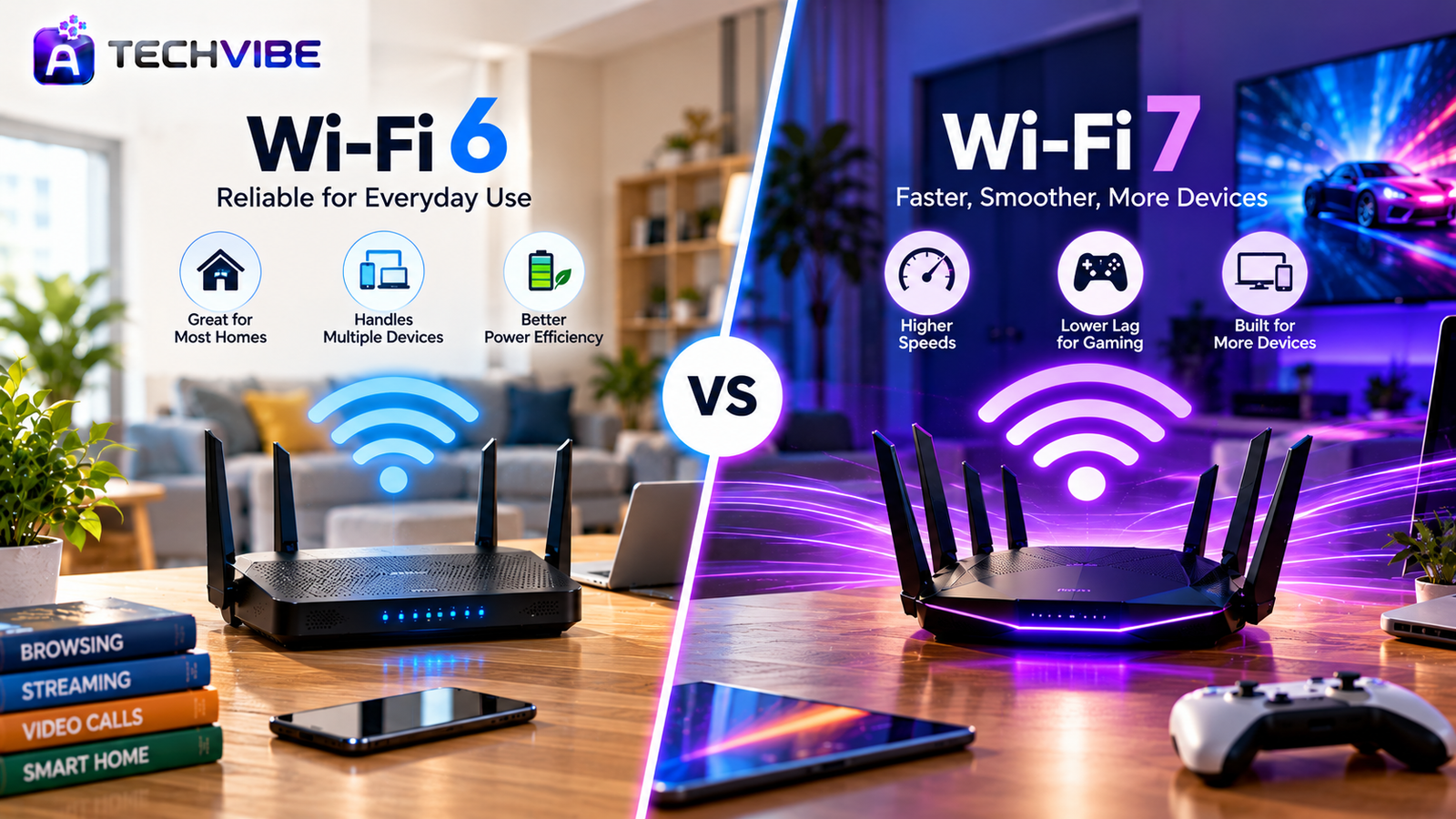
Wi-Fi 7 is the newest home and office Wi-Fi standard. It can use several bands at the same time, which makes connections faster and steadier. It helps most on very fast internet plans.
15. IoT (Internet of Things)
IoT means everyday objects that connect to the internet. Think smart bulbs, doorbells, thermostats and fitness bands. You can control and monitor them from your phone. Planning a connected home? See our guide to choosing the best smart home gadgets.
Security Words That Protect You
16. MFA (Multi-Factor Authentication)
MFA asks for a second proof of identity after your password, such as a code on your phone. If someone steals your password, they still cannot get in. Here is why every business should use multi-factor authentication.
17. Phishing
Phishing is a trick. Scammers send fake emails, texts or websites that look real, hoping you will share passwords or bank details. Always check the sender and the link before clicking.
18. Malware
Malware is any harmful software. It includes viruses, spyware and programs that steal data. It often hides inside fake downloads or email attachments.
19. Ransomware
Ransomware is malware that locks your files and demands money to unlock them. Regular backups are your best protection.
20. VPN (Virtual Private Network)
A VPN creates a private, encrypted tunnel for your internet traffic. It hides your browsing from your internet provider and from others on the same Wi-Fi. It is most useful on public networks.
21. Zero Trust
Zero trust is a security rule that says: trust no one by default. Every user and device must prove who they are before getting access, even inside the office network. Learn how tools support this in the role of cybersecurity applications in preventing modern threats.
Business and Website Terms
22. CRM (Customer Relationship Management)
A CRM keeps all customer details, conversations and sales in one place. It helps teams follow up on time and never lose track of a lead. Bigger firms often use platforms like those in Salesforce solutions for customer-centric growth.
23. CMS (Content Management System)
A CMS lets you build and update a website without coding. You add pages, posts and images through a simple dashboard. Newer “headless” systems work a little differently, as we explain in Contentful CMS vs traditional CMS.
24. SEO (Search Engine Optimisation)
SEO is how you help a website appear higher in search results. It covers good content, fast pages, clean structure and trusted links. Start with SEO strategies for long-term business growth.
25. Blockchain
A blockchain is a shared digital record kept by many computers at once. Past entries are very hard to change, which makes it useful for payments, supply chains and digital contracts. Learn more in how to build a blockchain application from scratch and what Layer 2 blockchain is and why it matters.
Why Simple Explanations Matter
Having tech terms explained in simple words is not just about sounding smart. It helps you buy the right devices, ask better questions, spot scams early and avoid paying for features you will never use.
For business owners, it makes planning easier too. Once words like cloud, SaaS, CRM and automation make sense, conversations about growth become clearer. Our guide to smart digital transformation strategies is a great next step.
Keep This List Close
Technology will keep inventing new words. The good news is that most of them build on the basics above. Once you know these 25, new buzzwords become much easier to follow.
Save this page of tech terms explained for quick reference, and find more easy guides on AtechVibe.